
Sildurs Vibrant Shaders Lite FPS and Settings Guide
Sildurs Vibrant Shaders Lite keeps the colorful sunlight, water, shadows, and atmosphere of the Vibrant family while using the lightest official preset. This guide shows when Lite is a realistic choice, which settings to lower first, and how to judge smoothness without relying on invented FPS promises.
The Lite name describes the lightest preset inside Sildur's Vibrant Shaders; it does not mean every laptop or integrated GPU will run it well. Vibrant still changes more of Minecraft's lighting pipeline than the Basic and Enhanced Default families. Resolution, GPU memory bandwidth, render distance, mods, resource packs, recording software, and the world being tested can matter more than the preset label.
Version 2.01 is the current author-published Vibrant release checked for this guide. The Lite ZIP is about 245.4 KB and is distributed through the official Modrinth project. Keep the ZIP compressed, use a Minecraft version supported by Iris or OptiFine, and avoid third-party pages that rename the file or bundle an installer.
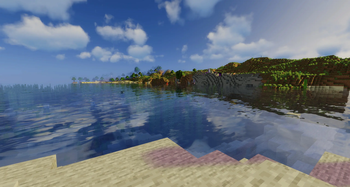
Is Sildurs Vibrant Shaders Lite good for a low-end PC?
Lite is a sensible first Vibrant preset, but hardware names alone cannot predict performance. Use the table as a conservative starting point for 1080p and then measure your own frame time in the world you actually play.
| Starting hardware situation | Recommended first test | What to watch |
|---|---|---|
| Older integrated graphics | Try Basic Fast first; test Lite only at lower resolution | Large frame-time spikes, low GPU clock, shared-memory pressure |
| Recent integrated graphics | Lite at 720p-900p or reduced render scale | Busy villages, rain, water, and chunk loading |
| Entry dedicated GPU | Lite at 1080p with 8-12 chunks | Volumetric light, reflections, clouds, and high shadow resolution |
| Midrange dedicated GPU | Lite or Medium at 1080p | Choose Lite for steadier minimums or modded play |
| Heavy modpack or Distant Horizons | Start Lite with conservative LOD distance | CPU chunk work and LOD generation can hide the shader's real cost |
A stable 45 FPS can feel better than a fluctuating counter that jumps between 90 and 30. Watch pacing while turning, entering forests, crossing water, and loading chunks. If movement stutters even when the average looks acceptable, lower the most expensive setting and repeat the same route.
Laptop power mode matters. Test while plugged in, confirm Minecraft uses the intended GPU, and let the world finish loading before judging Lite. Thermal throttling can make the first minute look fast and the fifth minute look much worse.
When to keep Lite, move to Medium, or step down
The best preset is the lightest one that already delivers the look you want. Moving sideways to another Sildur family is often smarter than disabling every effect inside Vibrant Lite.
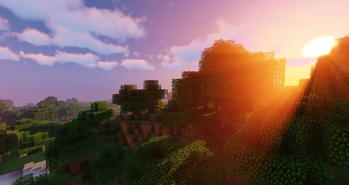
Choose Vibrant Lite for the full color style
Lite is for players who specifically want Vibrant's stronger sun, atmosphere, water, and contrast but need the lowest preset in that family.
- Good first Vibrant test
- Better minimum FPS than Medium on the same setup
- Still heavier than the lightweight Sildur families
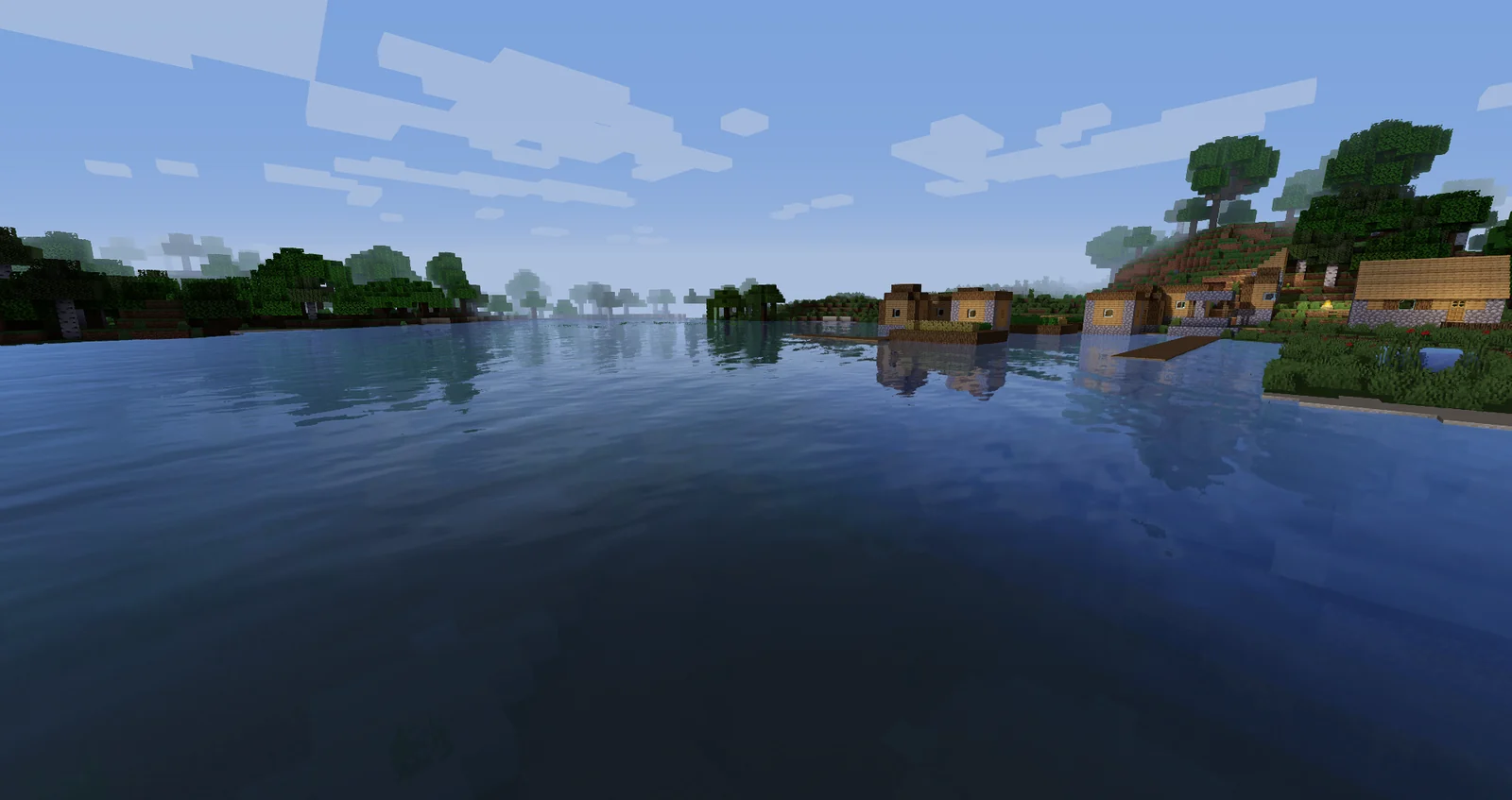
Use Enhanced Default Fast for steadier play
Enhanced Default keeps a vanilla-like look with improved light, shadows, water, and sky. It is a practical fallback when Lite requires too many compromises.
- Lower rendering cost
- Less dramatic color grading
- Useful for integrated graphics and large worlds
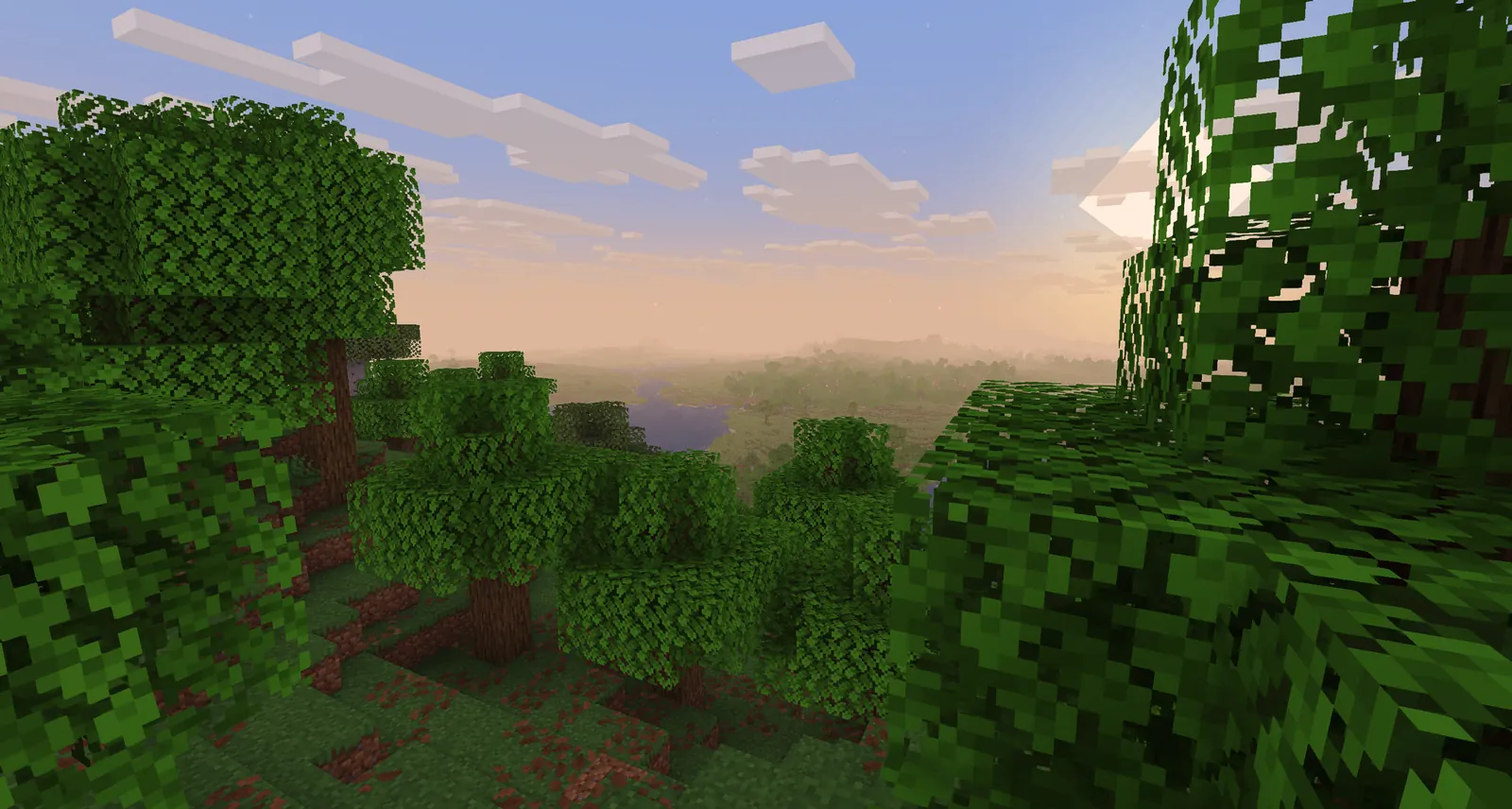
Use Basic Fast when gameplay comes first
Basic Fast makes fewer rendering changes and leaves more room for high render distance, recording, modpacks, or older hardware.
- Lightest normal gameplay option
- Small official ZIP
- Best fallback for unstable frame times
Tune Vibrant Lite without destroying its look
Change one category at a time and repeat the same short route after each change. This identifies the real bottleneck and keeps you from turning off several effects that were not causing the slowdown.
Menu names can differ between Iris and OptiFine or between shader versions. Treat the order below as a cost hierarchy rather than a promise that every label appears exactly the same.
- Start with resolution and render distanceUse native 1080p only if the GPU has headroom. On weaker systems, lower resolution or render scale before stripping every visual effect. Keep normal render distance around 8-12 chunks for the first test.
- Reduce shadow quality or shadow resolutionShadows are one of the clearest quality-cost controls. Lower them one step, retest under trees and at sunset, and stop when edges become too distracting.
- Lower volumetric light and cloud qualityGod rays, volumetric fog, and complex clouds can hurt minimum FPS during sunrise, rain, or rapid camera movement. Reduce quality before disabling the entire atmosphere.
- Simplify reflections and water effectsReflection quality becomes expensive near oceans, rivers, glass, and wet surfaces. Test beside water rather than in an empty flat world.
- Disable cinematic effects you do not needDepth of field, motion blur, lens flare, and strong bloom are style choices. Turning them down can improve clarity and sometimes performance without changing core lighting.
- Tune Minecraft and mod distances lastEntity distance, simulation distance, resource-pack resolution, Distant Horizons LOD distance, and modded particles can dominate the result. Keep these conservative until Lite is stable.
How to test Vibrant Lite FPS honestly
Do not compare a fresh empty world with the busy base where you actually play. Use the same save, route, weather, resolution, loader, and mod list for every test.
Load a familiar survival world and wait until nearby chunks finish generating. Walk for two minutes through an interior, dense trees, open water, and a high viewpoint. Turn the camera at a normal gameplay speed and note whether movement stays consistent. An FPS counter is useful, but a frame-time graph or visible hitching gives more information about smoothness.
Run the route once at defaults, then change only one setting. Record the average range, the worst repeatable dip, and what was happening when it occurred. If the second run is smoother, keep the change. If nothing improves, restore the setting and investigate CPU load, memory pressure, another rendering mod, resource packs, or background recording.
- Test after chunks and shader caches settle
- Use the same 1080p or chosen render scale
- Include water, foliage, rain, interiors, and sunlight
- Compare frame-time consistency, not only peak FPS
- Retest after five to ten minutes for laptop heat
- Keep a clean Iris or OptiFine profile for comparison
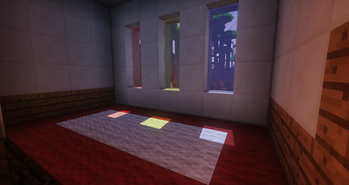
Common Vibrant Lite problems and the first fix
Most problems come from the wrong loader profile, a ZIP placed in the wrong instance, conflicting renderer mods, or settings that are too ambitious for the scene being tested.
| Problem | Likely cause | First fix |
|---|---|---|
| Lite does not appear in the menu | ZIP extracted or copied to the wrong shaderpacks folder | Use the in-game Open Shader Pack Folder button and keep the original ZIP compressed |
| Black screen or broken sky | Loader, Minecraft, or rendering-mod conflict | Test the current Iris or OptiFine build in a clean profile without another renderer |
| Good FPS but frequent stutter | Chunk generation, memory pressure, recording, or LOD work | Wait for loading, lower distances, close overlays, and retest the same route |
| Water areas are much slower | Reflection and water effects are the GPU bottleneck | Reduce reflection quality before lowering every unrelated option |
| Laptop becomes slower after several minutes | Thermal or power throttling | Plug in, use the intended GPU, improve cooling, and choose a lighter preset if clocks still fall |
| Distant Horizons makes Lite unstable | LOD generation and distance add CPU/GPU work | Lower LOD distance and quality, let generation finish, then compare with Distant Horizons disabled |
Sildurs Vibrant Shaders Lite questions
Is Sildurs Vibrant Shaders Lite free?
Yes. The author-published shader pack is available through the official project pages. Use the verified download page and do not pay a third-party installer for the ZIP.
What is the latest Vibrant Lite version?
The latest verified author-published release for this guide is Sildur's Vibrant Shaders 2.01 Lite, published on June 22, 2026. The file is about 245.4 KB and supports Iris and OptiFine across the Minecraft versions listed by the project.
Does Vibrant Lite work with Iris?
Yes, the current Modrinth release lists Iris. Match Iris to the Minecraft version you launch, keep a clean test profile, and avoid combining multiple renderer replacements.
Is Lite better than Enhanced Default Fast?
Lite provides the stronger Vibrant style, while Enhanced Default Fast is usually lighter and closer to vanilla. Choose Lite for visual impact and Enhanced Default Fast for steadier performance or integrated graphics.
How much FPS will Vibrant Lite get?
There is no trustworthy universal number. GPU, CPU, resolution, render distance, world complexity, mods, resource packs, thermals, and loader versions change the result. Use the repeatable test on this page instead of copying another PC's benchmark.
Can Vibrant Lite run on Minecraft Bedrock?
No. These shader ZIP files target Minecraft Java Edition with a compatible shader loader. Bedrock, consoles, and Preview use different rendering and content formats.
Should I unzip Vibrant Lite?
No. Put the original ZIP in the shaderpacks folder. Extracting it often creates a nested folder that the shader menu cannot detect.
Version, loader, and media sources
This page separates verified project facts from performance guidance. FPS recommendations are conservative testing advice, not official hardware guarantees.
- Official Sildur downloads — Author-maintained download directory and pack families
- Sildur's Vibrant Shaders on Modrinth — Version 2.01 files, supported loaders, Minecraft versions, and official gallery media
- Iris Shaders — Official Iris loader and installation source
Vibrant Lite is the entry point, not a guarantee
Sildurs Vibrant Shaders Lite is the right choice when you want the recognizable Vibrant look and your system has more headroom than Basic or Enhanced Default needs. Keep the first test conservative, lower shadows and volumetric effects before random options, and judge the scenes that actually stress your world.
If Lite remains uneven after sensible tuning, step down rather than turning the pack into a worse-looking version of itself. Enhanced Default Fast preserves more visual polish with lower cost, while Basic Fast gives the most room for distance, mods, recording, and older hardware.