
Sildurs Shaders 26.2: Install with Iris and Choose a Pack
Sildurs Shaders support Minecraft Java 26.2 through the current Vibrant 2.01, Enhanced Default 1.19, and Basic 2.6 releases. For a verified 26.2 loader, use Iris 1.11.2 for Fabric or NeoForge; the official OptiFine downloads page did not list a 26.2 build when this guide was checked.
The phrase Sildurs Shaders 26.2 combines the Minecraft game version with separately numbered shader releases. You need a current Sildur ZIP that lists 26.2 support and an Iris 1.11.2 build for the exact Fabric or NeoForge profile you launch; you do not need a shader filename that contains 26.2.
This page is intentionally narrower than the general compatibility guide. It helps players staying on Minecraft 26.2 choose one of the three current Sildur families, install it without extracting the ZIP, and diagnose the failures that appear after a game, loader, Java, driver, or mod update. It does not replace the pack download pages, which remain the source for exact filenames, sizes, hashes, and author-published links.
Does Sildurs Shaders support Minecraft 26.2?
Yes. Modrinth lists Minecraft 26.2 among the supported game versions for the current Sildur families, and the official Iris project publishes 1.11.2 builds for both Fabric and NeoForge 26.2. The three version numbers in this setup belong to different layers: Minecraft 26.2, Iris 1.11.2, and the selected Sildur pack release.
| Layer | Verified choice for 26.2 | What to verify |
|---|---|---|
| Minecraft | Java Edition 26.2 | Launch the clean profile once before adding mods |
| Shader loader | Iris 1.11.2 for Fabric or NeoForge | Match the loader family and exact 26.2 game profile |
| Vibrant | Version 2.01 | Choose Lite, Medium, High, High-MB, Extreme, or Extreme-VL |
| Enhanced Default | Version 1.19 | Choose Fast or Fancy |
| Basic | Version 2.6 | Choose Fast, Fancy, DoF, or Motion Blur |
Minecraft and shader-pack versions are independent. Vibrant 2.01 does not require Minecraft 2.01, and Basic 2.6 does not require Minecraft 2.6. The pack version identifies the author's shader release; the loader decides whether Minecraft 26.2 can compile and run it.
If you already moved to a newer 26.x Minecraft release, use the current compatibility page instead of forcing a 26.2 loader into the newer profile. Keep separate launcher installations when a world or modpack must remain on 26.2.
Best Sildur pack for Minecraft 26.2
All three current families can fit a 26.2 setup, but they solve different problems. Choose by visual goal and performance budget rather than downloading the heaviest preset first.
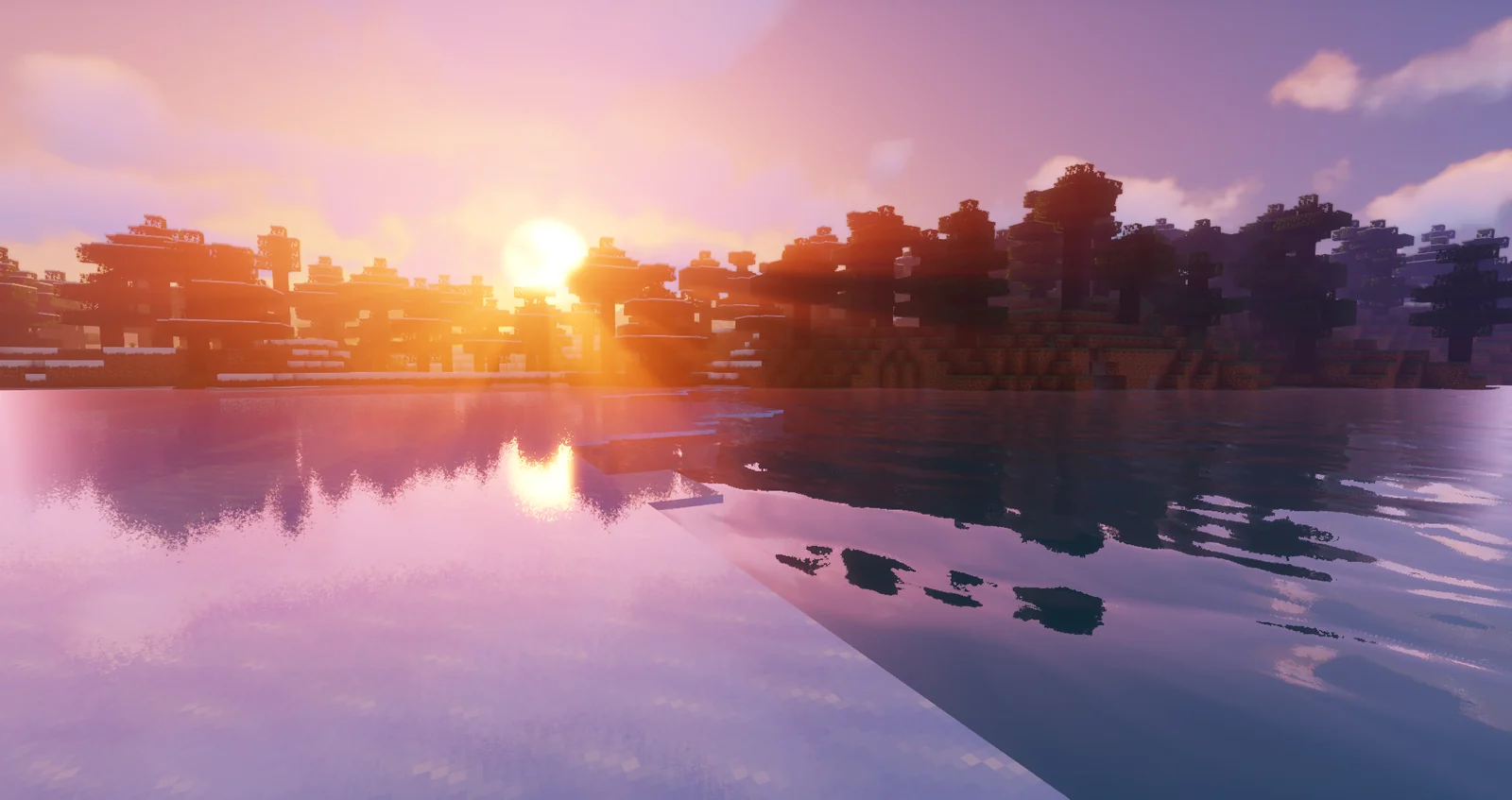
Vibrant 2.01
Use Vibrant when reflections, volumetric light, richer skies, wet surfaces, and dramatic color are the priority.
- Start with Lite or Medium
- Move upward only after a repeatable FPS test
- Best fit for screenshots and cinematic survival
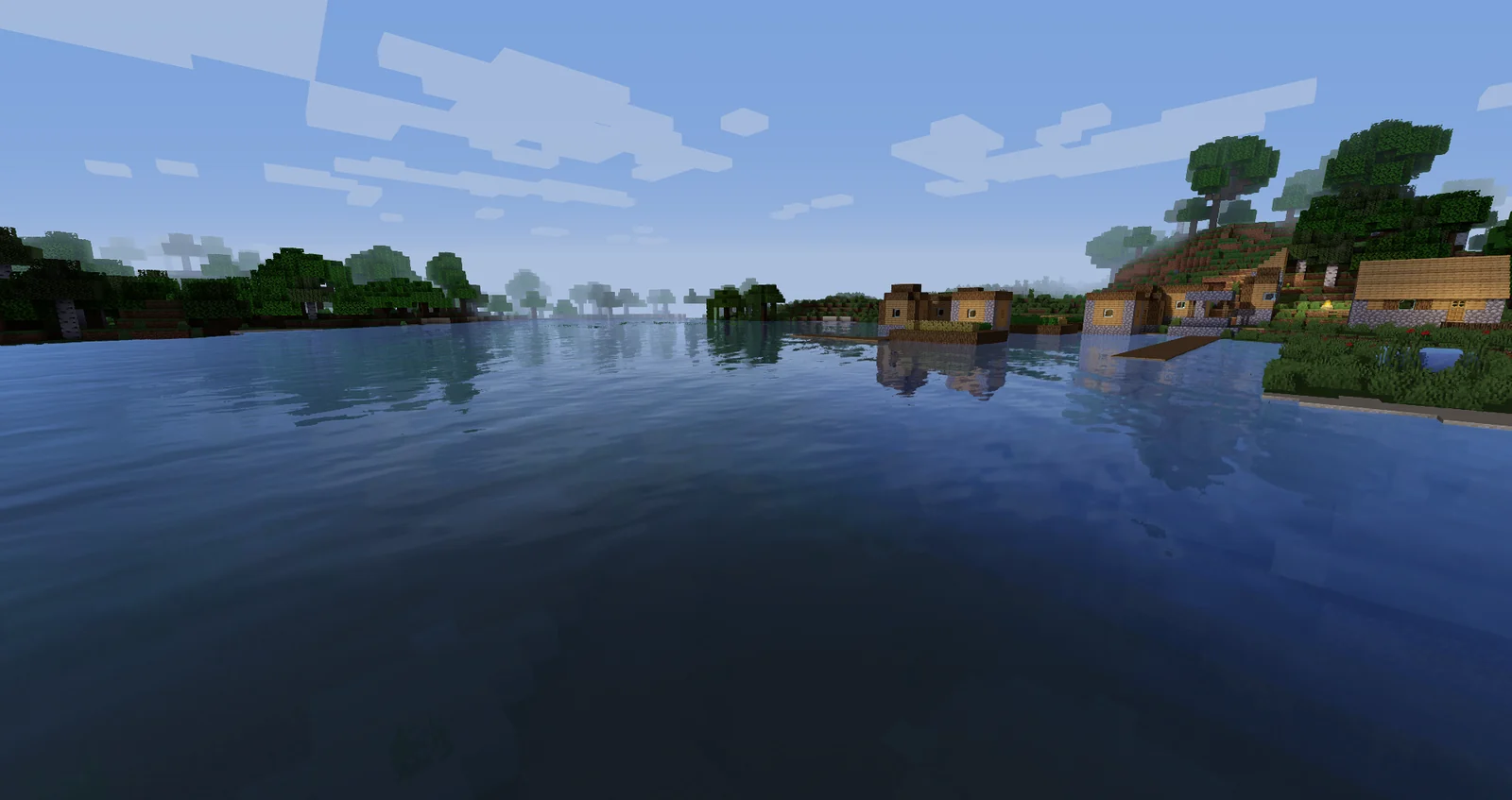
Enhanced Default 1.19
Use Enhanced Default when you want shadows, improved water, and atmosphere without replacing Minecraft's visual identity.
- Fast is a strong compatibility baseline
- Fancy adds more visual detail
- Good for normal survival and building
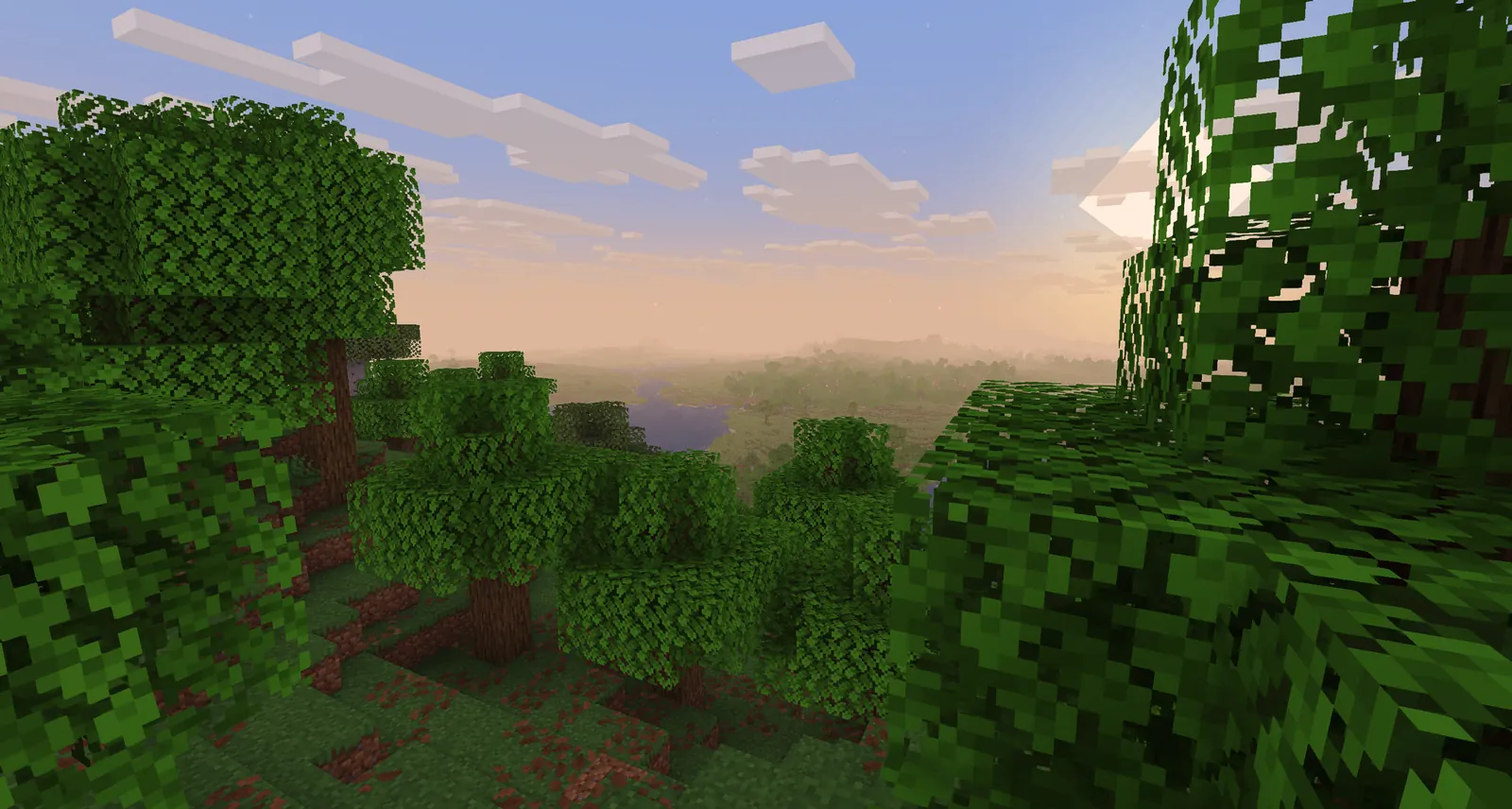
Basic 2.6
Use Basic to keep GPU cost low or to test whether a black screen is caused by the loader rather than demanding effects.
- Fast targets maximum performance
- Fancy is the balanced everyday build
- DoF and Motion Blur are specialist choices
How to install Sildurs Shaders on Minecraft 26.2
Use a clean launcher profile and change one component at a time. This prevents an unrelated mod or resource pack from hiding the real compatibility problem.
- Confirm the active Minecraft profileOpen the launcher installation you actually play and verify that it says Java Edition 26.2. Launch vanilla once so the version files and instance folders exist.
- Install Iris 1.11.2 for the matching loaderUse the official Iris 1.11.2 build for Fabric 26.2 or NeoForge 26.2. Keep Fabric and NeoForge instances separate, and do not substitute an older OptiFine build that targets Minecraft 26.1.2.
- Download one current Sildur presetUse the internal pack pages to choose an author-published Vibrant 2.01, Enhanced Default 1.19, or Basic 2.6 ZIP. Leave the archive compressed.
- Open the correct shaderpacks folderUse Video Settings → Shader Packs → Open Shader Pack Folder. This is safer than guessing a global path when Prism Launcher, CurseForge, or another launcher stores separate instances.
- Enable and benchmarkSelect the ZIP, wait for resources to reload, then test the same world, weather, resolution, and render distance. Lower shadow quality and volumetric effects before reducing everything at once.
Iris, NeoForge, and OptiFine status for Sildurs Shaders 26.2
Iris is the verified route for Minecraft 26.2. The official project provides separate Fabric and NeoForge builds, so the loader must match the instance you launch. OptiFine remains useful on versions it explicitly supports, but its official downloads page did not list 26.2 on July 30, 2026.
| Option | 26.2 status | Watch for |
|---|---|---|
| Iris 1.11.2 + Fabric | Verified 26.2 build | Match Fabric Loader, Fabric API, Sodium, and Minecraft versions |
| Iris 1.11.2 + NeoForge | Verified 26.2 build | Use the NeoForge Iris file, not the Fabric JAR |
| OptiFine | No verified 26.2 build found on the official downloads page | Do not install a 26.1.2 file into 26.2 |
| Vanilla only | Cannot load Sildur shader ZIPs | Use vanilla only as a clean launch test |
Iris 1.11.2 was published for Fabric and NeoForge 26.2 on July 8, 2026. Select the file for the same loader family as the launcher instance; a Fabric JAR does not belong in a NeoForge profile.
If Iris starts but the shader fails, test without other rendering, distant-terrain, fog, cloud, or post-processing mods. Reintroduce them one at a time after the Sildur ZIP loads in a clean 26.2 profile.
Fix black screens, missing packs, and shader errors
Most failures come from the wrong instance folder, an incompatible loader build, an extracted archive, another rendering mod, or settings that are too heavy for the GPU.
The Sildur ZIP does not appear in the Shader Packs list
Confirm that the file is still a ZIP and that it is inside the shaderpacks folder opened from the 26.2 profile. Remove any extra parent folder created by a browser or archive tool.
Minecraft shows a black screen or returns to the menu
Start with Basic Fast or Enhanced Default Fast, reset shader settings, update the GPU driver, and test without resource packs or other rendering mods. If the light pack also fails, verify the loader build first.
The shader compiles but performance is unstable
Reduce shadow resolution, volumetric lighting, reflections, clouds, render distance, and distant-terrain distance in that order. Compare frame time, not only a short FPS peak.
The profile crashes after adding Iris, Sodium, or Fabric mods
Match every component to Minecraft 26.2 and check the crash log for a named incompatible mod. Remove duplicate renderers and restore mods one at a time.
A newer 26.x guide does not match the 26.2 menus
Follow the menu and loader behavior in your installed version. The current Sildur ZIP may support both generations, but loaders, mod APIs, and launcher labels can differ.
Sildurs Shaders 26.2 FAQ
Which Sildur version should I download for Minecraft 26.2?
Use the current verified family release: Vibrant 2.01, Enhanced Default 1.19, or Basic 2.6. Pick a preset for your GPU; the shader filename does not need to contain 26.2.
Does Iris support Minecraft 26.2?
Yes. The official Iris project published version 1.11.2 builds for Fabric 26.2 and NeoForge 26.2 on July 8, 2026.
Can I use OptiFine with Sildurs Shaders 26.2?
No OptiFine 26.2 build was listed on the official downloads page when checked on July 30, 2026. Do not reuse a 26.1.2 build; use a verified Iris 1.11.2 build instead.
Should I extract the Sildur shader ZIP?
No. Put the original ZIP directly in the active 26.2 instance's shaderpacks folder.
Do Sildurs Shaders 26.2 work on Bedrock Edition?
No. These downloads are Java Edition shader packs for Iris or another compatible Java shader loader.
Official and first-party references checked
- Sildur's Vibrant Shaders on Modrinth — version 2.01, game-version support, files, hashes, and release notes
- Sildur's Enhanced Default on Modrinth — version 1.19, Fast and Fancy files, and supported versions
- Sildur's Basic Shaders on Modrinth — version 2.6 files and supported versions
- Iris 1.11.2 for Fabric 26.2 — official Fabric build published July 8, 2026
- Iris 1.11.2 for NeoForge 26.2 — official NeoForge build published July 8, 2026
- OptiFine downloads — official availability check; no 26.2 build was listed on July 30, 2026
Use Iris 1.11.2 and a verified current Sildur ZIP
A reliable Minecraft 26.2 shader setup uses three independently versioned parts: the 26.2 game profile, an Iris 1.11.2 build for the profile's loader, and a current Sildur pack. Keep the ZIP compressed and start with a light preset before adding other rendering mods.
The download buttons on this site use the author-published Modrinth CDN files verified on July 30, 2026. If a later loader or pack release appears, recheck the official project pages before replacing a working instance.