
How to Install Iris Shaders in Minecraft Java
Iris is the shader loader; it is not a shader pack. This guide shows how to install Iris for the Minecraft Java profile you actually use, add a Sildur ZIP, enable it, and troubleshoot the common version, folder, and performance problems that appear after the first launch.
The phrase how to install Iris Shaders usually describes a small Java Edition setup rather than one download. Minecraft runs the world, Fabric loads the mod profile, Iris provides shader support, and the Sildur ZIP supplies the visual effects. Sodium is optional, although it is a common performance pairing for a modern Fabric profile.
Keeping those jobs separate makes the first setup easier to verify. You can test Iris before adding a large modpack, use a light Sildur preset as a baseline, and change one component at a time when a shader menu is missing, the game crashes, or the world becomes too slow.
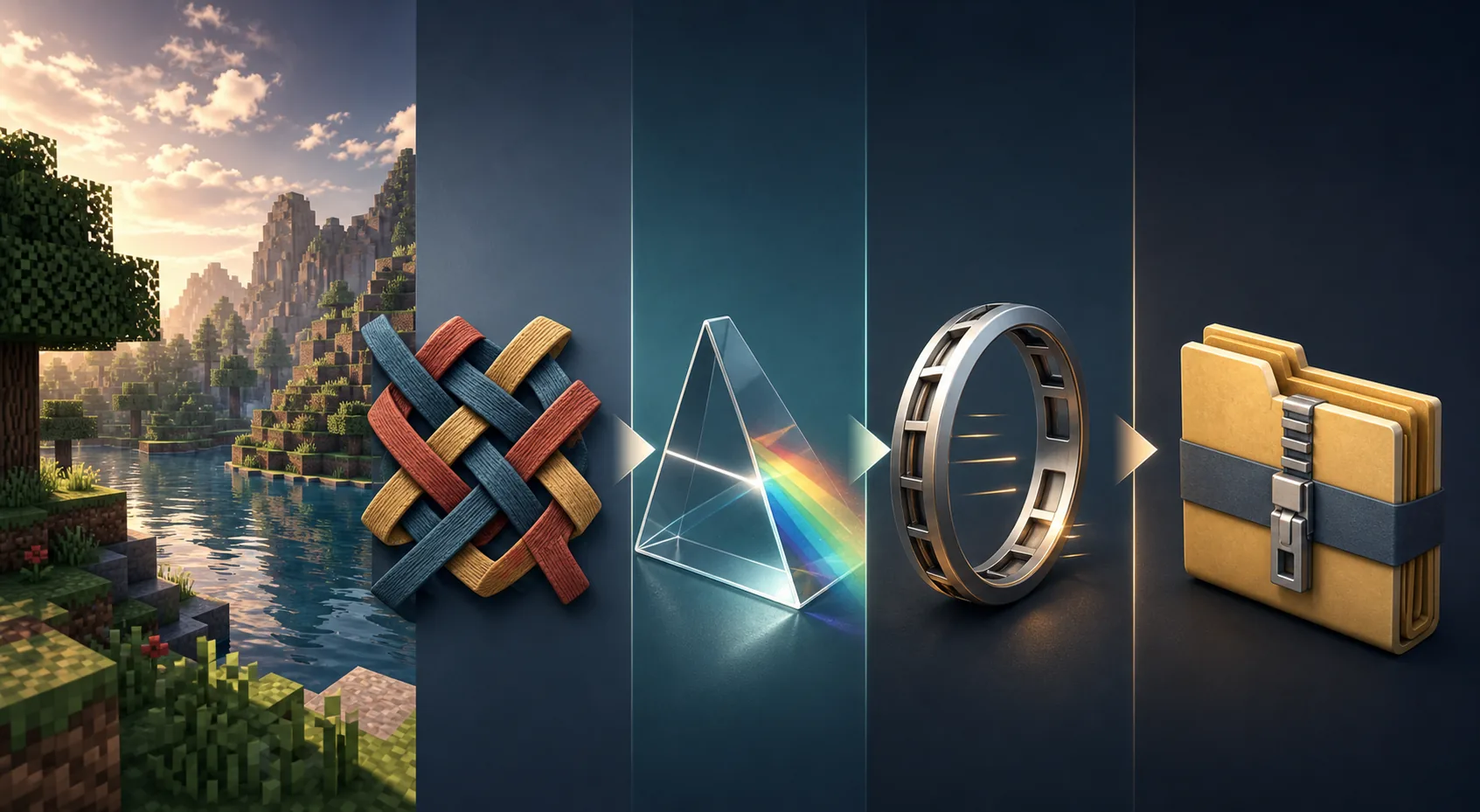
What Iris does in a Minecraft shader setup
Each layer has a different job. A correct version on one component cannot repair an incompatible profile around it.
| Component | Job | What to check |
|---|---|---|
| Minecraft Java | Runs the world and profile | Use the exact profile you launch |
| Fabric Loader | Loads the mod profile | Match the Minecraft branch and instance |
| Iris | Loads and compiles shader packs | Use the official path for that profile |
| Sodium | Improves rendering performance | Treat it as optional and version-match it |
| Sildur ZIP | Adds the visual shader effects | Keep the archive compressed in shaderpacks |
Iris is the part that exposes the shader option and compiles a compatible pack. It is not the same thing as a Sildur download, and Sodium by itself does not load shader packs. If a tutorial says “Iris shaders,” read it as Iris plus a separate shader pack such as Sildur's Vibrant, Enhanced Default, or Basic.
Use the active launcher instance as the source of truth. Prism, CurseForge, MultiMC, and other launchers can keep separate folders, so a ZIP in the global .minecraft directory may not appear in the profile you actually start.
Choose a Sildur pack after Iris works
Do not begin with the heaviest preset. First prove that the loader, shader menu, folder, and profile are correct with a pack that leaves performance headroom.
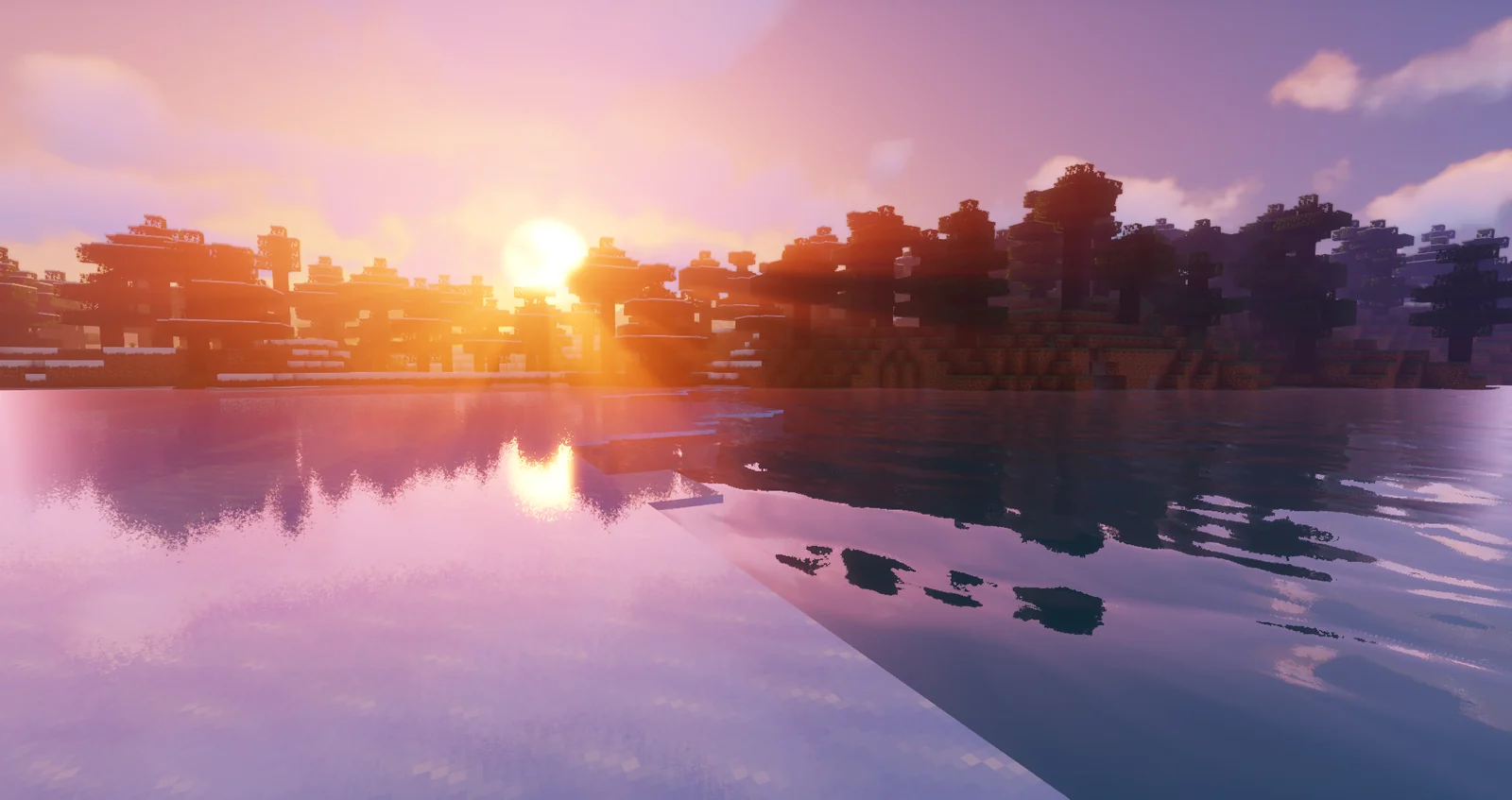
Vibrant 2.01: start with Lite
Vibrant adds reflections, volumetric light, richer skies, and more demanding effects. Lite or Medium is a safer first test than Extreme.
- Use Lite or Medium to confirm the pipeline
- Compare the same world and resolution
- Raise quality only after frame time is stable
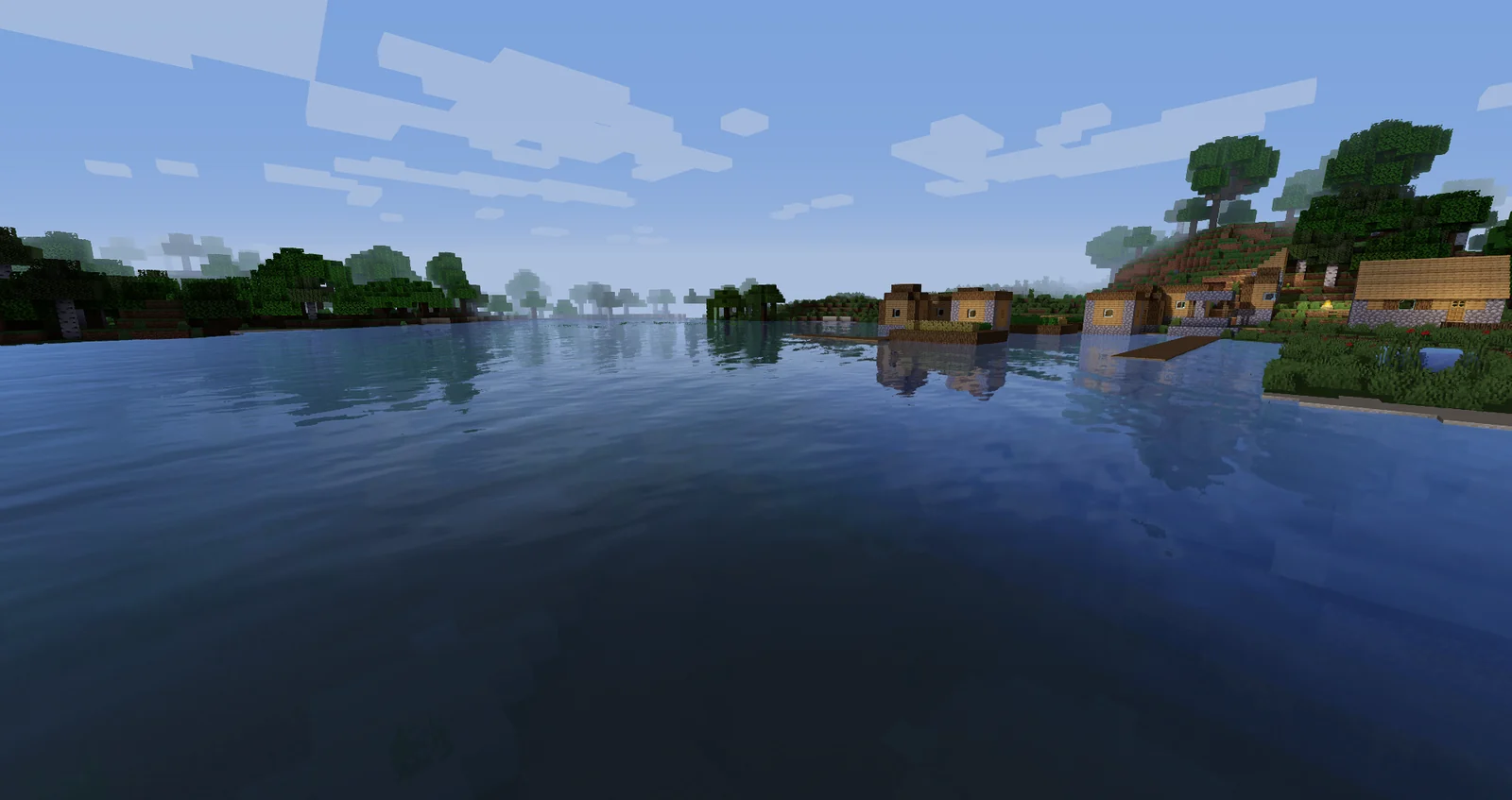
Enhanced Default 1.19 Fast
Enhanced Default stays close to Minecraft's original art direction while adding shadows, water, and atmosphere. Fast is a practical baseline.
- Good for survival and building
- Fast lowers the first performance risk
- Try Fancy after the profile is stable
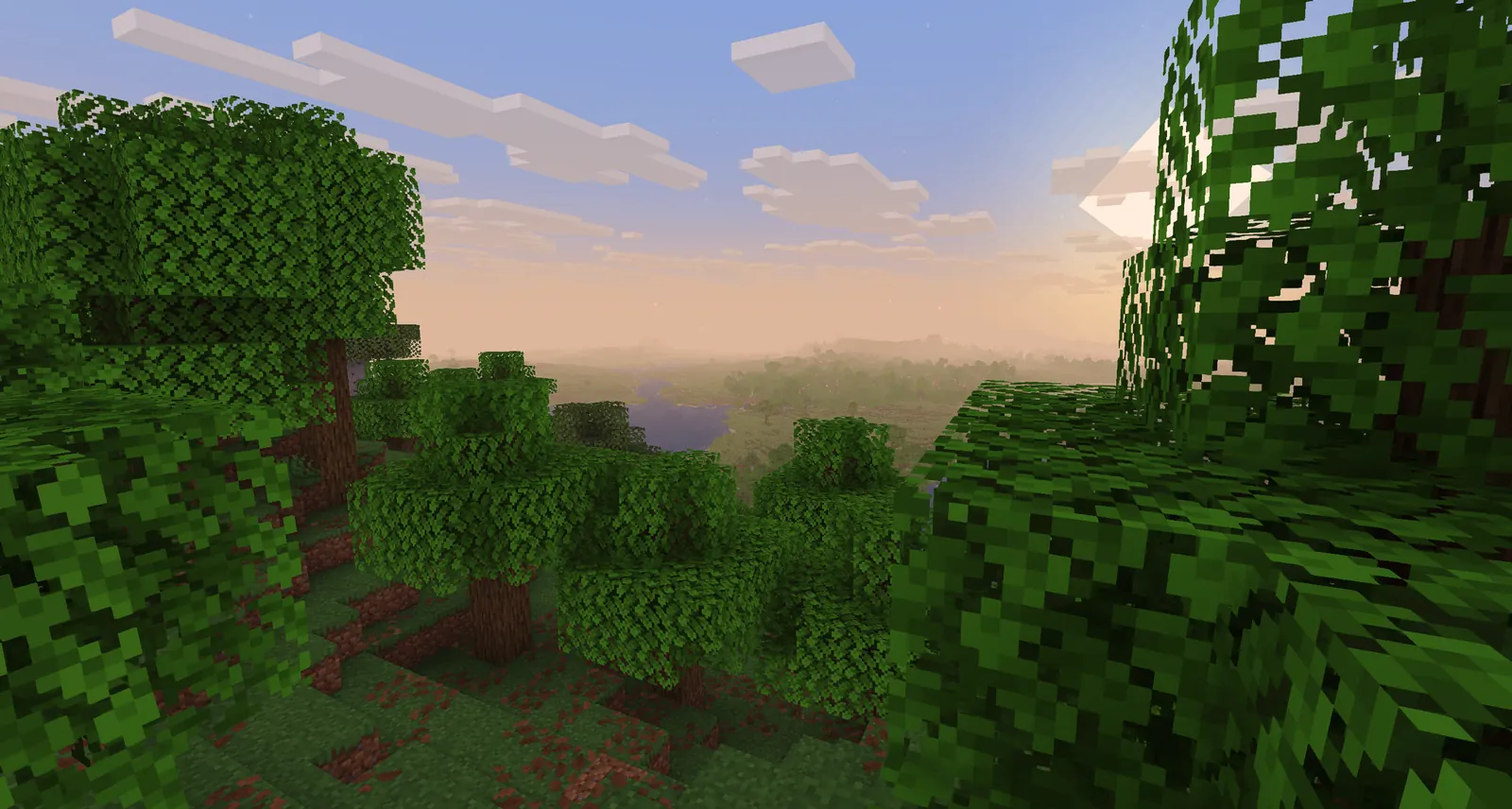
Basic 2.6 Fast
Basic changes less of the rendering pipeline and is the quickest way to separate a loader problem from expensive shader effects.
- Start here on weak or integrated GPUs
- Keep the ZIP unextracted
- Try Fancy, DoF, or MB after the baseline works
How to install Iris Shaders with Fabric
Install one layer at a time and launch the profile after the major changes. That order makes a broken version pair much easier to identify.
- Confirm Java Edition and the active profileWrite down the exact Minecraft version shown in the launcher or instance. Start the unmodified profile once so it creates its own files before adding mods.
- Install Iris from the official pathUse the official Iris download page or the verified project route, choose the Minecraft version you actually launch, and create the matching Fabric profile. Do not install a file only because its name looks newer.
- Launch the Iris profile onceStart the new profile and reach the video settings menu. This confirms that the loader is active before a shader ZIP or a larger modpack adds another possible failure.
- Open the shaderpacks folder for that instanceUse Shader Packs → Open Shader Pack Folder when the menu provides it. Put the original Sildur ZIP directly in that folder; do not extract it or place it in resourcepacks.
- Enable the pack and measure a familiar sceneSelect the pack, wait for compilation, and test water, foliage, interiors, and movement in the same world. Reduce shadows or volumetric effects before changing unrelated settings.
Iris, Sodium, and OptiFine: which route fits?
Pick one clean route for the test profile. Combining alternative renderers makes it harder to tell whether a problem comes from Iris, OptiFine, a mod, or the shader pack.
| Route | Best fit | Important limitation |
|---|---|---|
| Iris + Fabric | Current Java profiles and shader support | Every version in the profile must match |
| Iris + Sodium | Fabric profiles that also want performance | Sodium is optional, not the shader loader |
| OptiFine | Existing OptiFine profiles or older setups | Use it as an alternative route, not beside Iris |
| Sodium alone | A performance baseline without shaders | It does not load Sildur ZIP files |
Iris and Sodium can complement one another, but they are not interchangeable. Iris provides the shader path; Sodium is a common performance mod. Read the release notes and match the exact Minecraft, Fabric, Iris, and Sodium profile instead of assuming every latest file belongs together.
If you use a custom launcher, make a small test instance with only Fabric, Iris, and one Sildur ZIP first. Once that works, add Sodium, resource packs, and visual mods one at a time. A second renderer or an old API can create a failure that looks like a bad shader download.
Fix the profile before changing every shader setting
Most Iris problems are version, folder, renderer, or profile problems. Use the symptom to choose the smallest next check.
The shader option is missing
Confirm that you launched the Iris profile rather than vanilla Minecraft or a different instance. Iris must be active before a Sildur ZIP can appear.
The Sildur ZIP does not appear
Check that the file still ends in .zip, is directly inside the active shaderpacks folder, and was not placed in resourcepacks or nested inside another folder.
The screen is black or the game crashes
Test Basic Fast in a clean profile, then align Minecraft, Fabric, Iris, Sodium if used, and the GPU driver. Remove duplicate renderers before trying a heavier preset.
The shader loads but FPS is poor
Use Basic Fast or Enhanced Default Fast first, lower shadow quality, volumetric lighting, reflections, clouds, and render distance in that order, and test the same world at the same resolution.
The world looks unchanged
Select and apply the pack inside a real world, wait for resources to reload, and check that the entry is enabled. Do not judge the title screen or a ZIP sitting in resourcepacks.
Iris Shaders installation FAQ
Is Iris a shader pack?
No. Iris is the loader and shader-support layer. You still need a separate shader pack such as a Sildur ZIP, and the pack must match the Minecraft profile you launch.
Does Iris require Sodium?
No. Sodium is a common performance pairing, but Iris can be used in a compatible setup without Sodium. Treat Sodium as an optional component and match it only when you need it.
Can I use OptiFine with Iris?
Use OptiFine as an alternative loader route, not in the same test profile as Iris and Fabric. A clean profile with one renderer is easier to verify and troubleshoot.
Where is the Iris shaderpacks folder?
Open Shader Packs → Open Shader Pack Folder from inside the active Minecraft instance. Custom launchers may use a separate directory, so the in-game button is safer than assuming the global .minecraft path.
Can I use Iris Shaders on Bedrock Edition?
This guide and the Sildur ZIP downloads target Minecraft Java Edition. Bedrock, Preview, and console editions use a different rendering and add-on system, so do not follow this Java loader path for them.
Which Sildur preset should I try first?
Start with Basic Fast on weak hardware, Enhanced Default Fast for a vanilla-friendly balance, or Vibrant Lite when your GPU has more headroom. Confirm the loader before moving to Medium, High, or Extreme.
Official Iris and Sildur references
- Iris Shaders official download — Use the official installer or version-selection path for the Minecraft profile you launch.
- Sildur's Shaders official downloads — Author-published pack families and current download guidance.
- Sildur's Vibrant Shaders on Modrinth — Current 2.01 release files and gallery context.
- Iris Shaders project documentation — Loader installation background and project-specific setup notes.
Install the loader first, then test the pack
A reliable Iris Shaders setup is a small, version-matched chain: Minecraft Java, a Fabric profile, Iris, and a Sildur ZIP. Sodium can improve performance, but it is not a replacement for Iris and it should be added only when the base profile is stable.
Start with one light preset, test a real world, and change one variable at a time. When you need pack-specific instructions, use the Sildur installation guide; when you need hardware or version boundaries, use the compatibility, Fabric, Sodium, and low-end guides below.