
How to Use Sildur's Shaders in CurseForge Minecraft
CurseForge manages the Minecraft profile, but Sildur's Shaders is a Java shader ZIP rather than a Forge or Fabric mod. Install a compatible loader, open the shaderpacks folder for the active profile, and select the compressed ZIP in-game.
The search phrase curseforge sildurs shaders usually means that the player is using the CurseForge launcher and cannot tell where a shader belongs. CurseForge is the profile manager; it does not turn a shader ZIP into a normal mod. Iris or OptiFine supplies the shader menu, while the Sildur archive supplies the visual effects.
This guide keeps the layers separate so troubleshooting stays predictable. It covers a Fabric plus Iris profile, an OptiFine or older-profile route, the active instance folder, Forge and NeoForge boundaries, current verified release facts, and the most common reason a correctly downloaded shader seems to be missing.
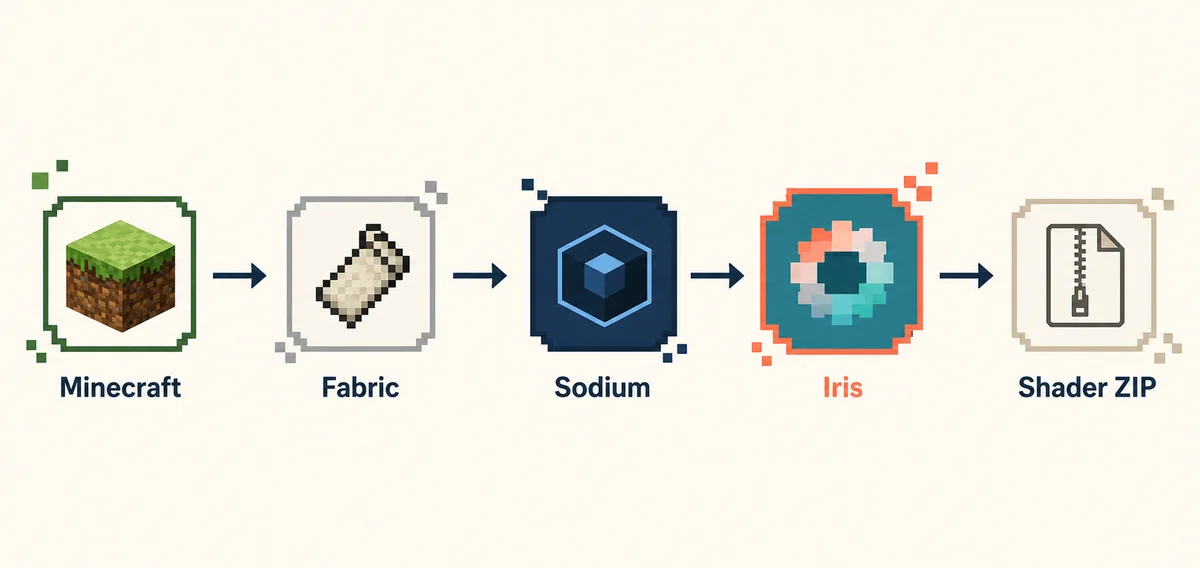
What CurseForge, Iris, and Sildur each do
A correct file can still be invisible when it is placed in the wrong layer or the wrong profile. Treat the stack as separate responsibilities.
| Layer | Job | What to verify |
|---|---|---|
| CurseForge profile | Stores the instance, mods, saves, and configuration | Launch the exact profile you edited |
| Minecraft Java | Runs the selected game version | Match the version shown in the profile |
| Fabric or Forge/NeoForge | Loads the profile's mod ecosystem | Use the loader required by the profile |
| Iris or OptiFine | Adds the shader-loading path | Install one compatible renderer route |
| Sildur ZIP | Adds lighting, shadows, fog, and reflections | Keep it compressed in shaderpacks |
Sildur's Shaders does not belong in the CurseForge mod list. A ZIP that contains shader code is selected from the in-game Shader Packs or Shaders menu after Iris or OptiFine is active. If the profile has only Forge, NeoForge, or Fabric without a shader loader, the archive can be present and still have nowhere to appear.
CurseForge profiles use their own instance directories. A ZIP placed in the global .minecraft\shaderpacks folder may not show in the profile you launched. The safest path is to open the folder from inside the game, because that command points to the active instance rather than a guessed Windows path.
Choose a Sildur pack that leaves troubleshooting headroom
Do not begin with the heaviest preset while diagnosing a launcher or loader. Use a light baseline first, then raise quality after the profile is stable.
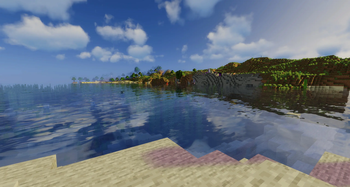
Vibrant 2.01: start with Lite or Medium
Vibrant adds stronger shadows, reflective water, fog, clouds, and volumetric light. Lite is the safer first check inside a new CurseForge profile.
- Use Lite when testing the loader
- Move to Medium after the pack loads
- Keep Extreme for a later GPU test
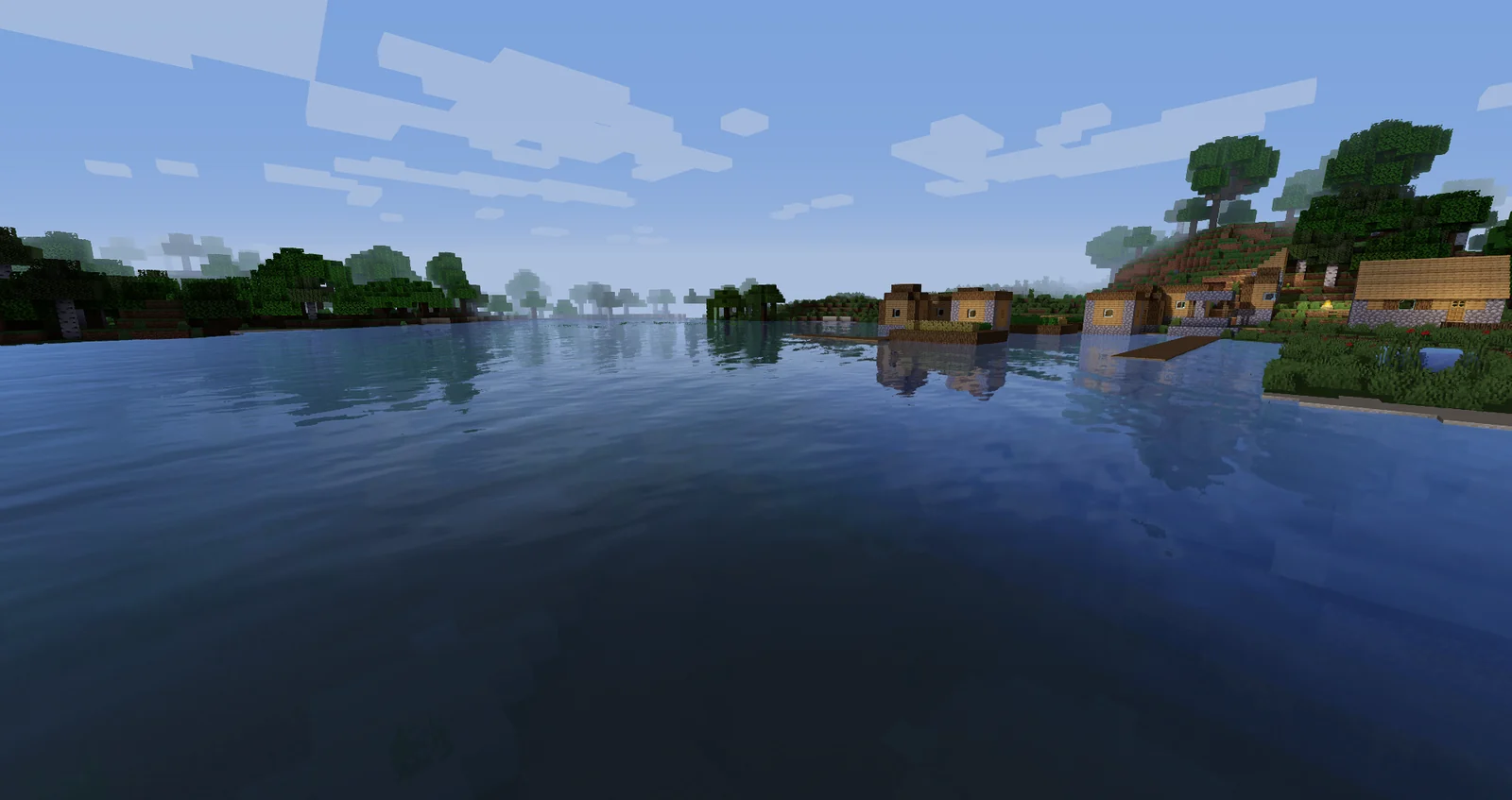
Enhanced Default 1.19 Fast
Enhanced Default keeps the familiar Minecraft direction while adding cleaner light, shadows, water, and atmosphere. Fast reduces the first performance risk.
- Good for survival and building
- Useful on modest GPUs
- Confirm the loader before Fancy
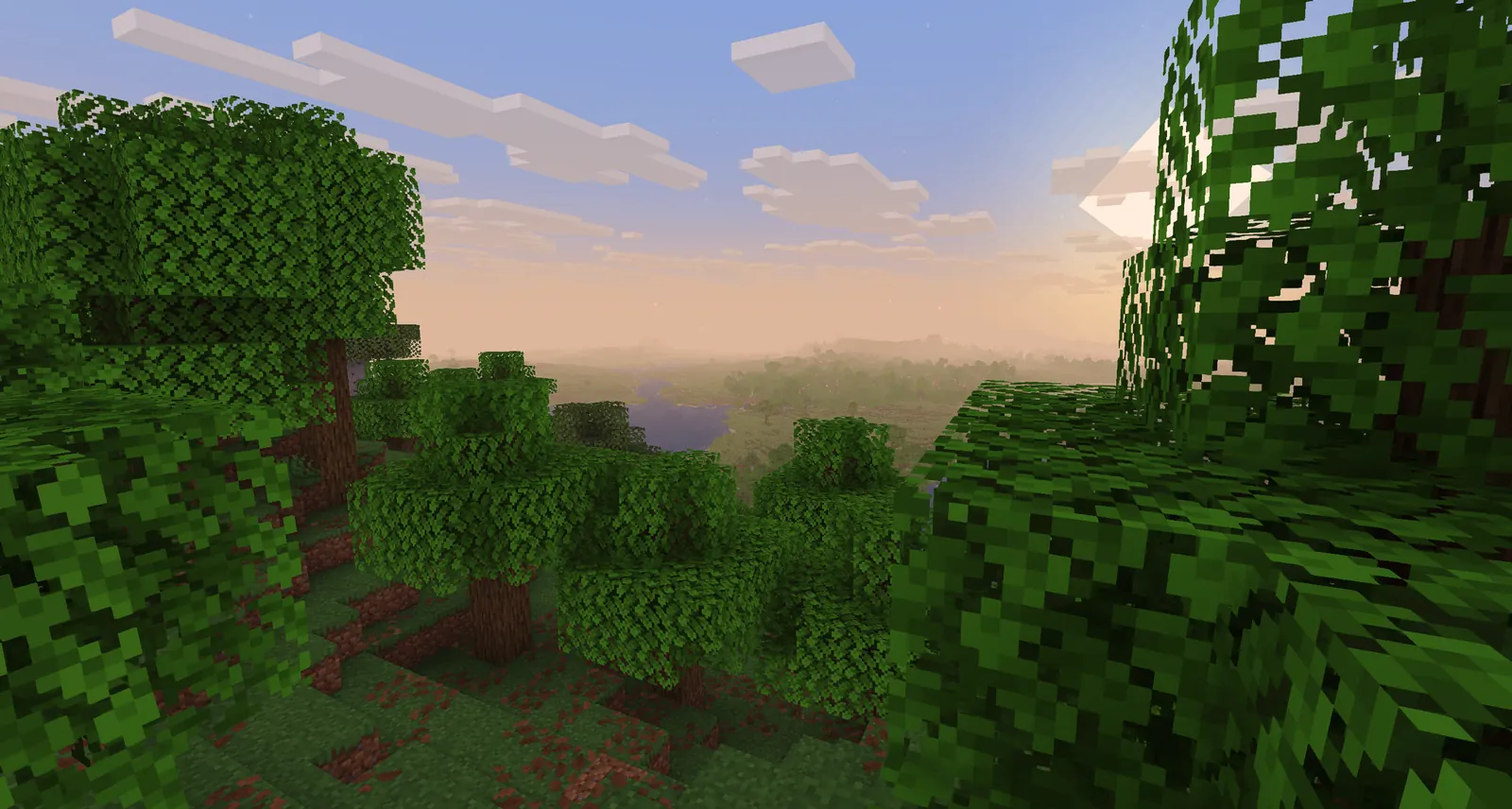
Basic 2.6 Fast
Basic changes less of the rendering pipeline and is a practical way to separate a folder or loader problem from an expensive shader workload.
- Best first test on weak hardware
- Keep the ZIP unextracted
- Try Fancy or DoF later
How to install Sildur's Shaders in CurseForge
Start with one clean profile or a backup of the existing instance. Launch after each major layer so the first failure has a clear cause.
- Open the profile you really useIn the CurseForge app, select the Minecraft profile that contains your world and the exact Minecraft version you intend to launch. Do not edit a duplicate profile and then test another one.
- Install one shader loader routeFor a modern Fabric profile, use a compatible Iris build and add Sodium only when the version set supports it. For an older OptiFine profile, use the matching OptiFine route instead. Do not combine competing renderer replacements.
- Launch the profile onceStart the game and let the instance create its folders. Confirm that the loader opens its shader menu before adding a large modpack or several visual mods.
- Open the active shaderpacks folderOpen Video Settings, choose Shader Packs or Shaders, and select Open Shader Pack Folder when the loader provides it. This is safer than guessing which CurseForge instance directory is active.
- Move the original ZIP and enable itPlace the Sildur ZIP directly in shaderpacks without extracting it. Return to the menu, select the pack, wait for compilation, and test a world with water, foliage, and an interior.
Iris, OptiFine, Forge, and NeoForge are not interchangeable
CurseForge can host many loader types, but the correct shader route depends on the profile. A shader ZIP does not replace the loader or convert between mod ecosystems.
| Profile route | Good fit | Important boundary |
|---|---|---|
| Fabric + Iris | Modern Sildur profiles and optional Sodium | Match Minecraft, Fabric, Iris, and Sodium versions |
| OptiFine | Older profiles or existing OptiFine setups | Use the exact Minecraft-compatible build |
| Forge or NeoForge alone | Normal mod loading without Iris/OptiFine | Does not provide a Sildur shader menu by itself |
| CurseForge mod list | Managing actual mods and dependencies | A shader ZIP may never appear here |
| Shaderpacks folder | Selecting shader archives in-game | Use the active profile's folder and keep ZIPs compressed |
If the profile is Fabric-based, Iris is the part that loads the Sildur archive. Sodium is a performance layer, not a shader loader. If the profile is Forge or NeoForge, follow the pack's documented loader route and do not assume that installing a shader ZIP in the mods folder will work. The same launcher can manage all of these profiles, but the rendering path is not shared automatically.
For a NeoForge or Forge troubleshooting test, first ask whether the profile has a compatible shader loader at all. If it does not, the correct answer is not to rename the Sildur ZIP or add it to mods; create a supported Iris or OptiFine profile, or keep the existing profile for mods and use a separate shader profile.
Fix the active profile before changing shader settings
Most CurseForge shader problems are profile, folder, or loader problems. Use the smallest next check instead of reinstalling every component.
Sildur is missing from the CurseForge mod list
That is usually expected. A shader ZIP is not a Forge or Fabric mod. Install Iris or use OptiFine, then select the archive from the in-game Shader Packs menu.
The ZIP does not appear in Shader Packs
Open the folder from the active profile's video settings, check that the file still ends in .zip, remove nested folders, and confirm that CurseForge did not launch a different instance.
The shader menu is missing
The profile may have only Forge, NeoForge, Fabric, or Sodium without a shader loader. Add a compatible Iris or OptiFine route and launch that profile before copying the ZIP.
The screen is black or compilation fails
Test Basic Fast in a clean profile, align Minecraft and loader versions, update the GPU driver, and remove duplicate renderers or visual mods before trying Vibrant again.
The shader loads but FPS collapses
Use Basic Fast, Enhanced Default Fast, or Vibrant Lite. Lower shadow quality, volumetric effects, reflections, clouds, and render distance in that order, then test the same world again.
The profile works but a modpack breaks it
Keep a clean comparison profile and re-add resource packs, render mods, and performance mods one at a time. Read the modpack maintainer's renderer requirements before replacing its loader.
Sildur's Shaders on CurseForge FAQ
Can I install Sildur's Shaders from the CurseForge mod list?
Usually no. Sildur's download is a shader ZIP, not a normal Forge or Fabric mod. Use a compatible Iris or OptiFine profile and select the ZIP from the in-game Shader Packs menu.
Why do I not see Sildur's Shaders in my CurseForge mods?
Because the mod list is not the shader list. The ZIP should be placed in the active instance's shaderpacks folder and enabled from Video Settings after a shader loader is installed.
How do I use Sildur's Shaders in CurseForge Minecraft?
Open the correct Java profile, install Iris for a modern Fabric route or matching OptiFine for an older route, launch once, use Open Shader Pack Folder, copy in the unextracted ZIP, and enable it from Shader Packs.
Can I use Sildur's Shaders with a Forge or NeoForge modpack?
Only when that profile has a compatible shader loader and the pack maintainer supports the combination. Forge or NeoForge alone does not create a shader menu. Do not put the ZIP in mods; use a supported loader or a separate profile.
Which current Sildur version should I test?
The site verified Vibrant 2.01, Enhanced Default 1.19, and Basic 2.6 against the author-published Modrinth records on August 16, 2026. Start with the lightest preset, then raise quality after the profile and folder are confirmed.
Should I extract the Sildur ZIP?
No. Iris and OptiFine read the compressed archive. Extraction can create a nested folder that the shader menu cannot detect.
Launcher, loader, and release references
- CurseForge Minecraft support — Official profile and Minecraft launcher context
- Iris Shaders official site — Shader-loader installation and support context
- Sildur's Vibrant Shaders on Modrinth — Author-published files, versions, loaders, and gallery media
- Sildur's Shaders installation guide — General Iris and OptiFine folder walkthrough on this site
Use CurseForge for the profile, not the shader list
The reliable CurseForge workflow is simple once the layers are separated: launch the correct Java profile, use Iris or OptiFine as the shader loader, open that profile's shaderpacks folder, and keep the Sildur ZIP compressed. The archive does not need to appear in the normal CurseForge mod list.
If the pack is missing, verify the active instance and loader before changing visual settings. Start with Basic Fast or Vibrant Lite, confirm a real world renders correctly, and only then add Sodium, resource packs, distant terrain, or a heavier preset.