Download Sildur's Shaders for Minecraft Java, compare the latest Vibrant, Enhanced Default, and Basic releases, and pick a preset that matches your GPU. Install the original ZIP with Iris or OptiFine.
This Sildur's Shaders download guide covers a family of Minecraft Java shader packs rather than one fixed download. The three active families solve different problems. Vibrant changes the lighting pipeline most dramatically, Enhanced Default preserves the recognizable vanilla style, and Basic focuses on smaller effects with a lighter performance cost. Choosing the family first is more useful than downloading the highest preset and hoping it runs well.
The current Sildur's Shaders download list contains twelve author-published ZIP files. Vibrant 2.01 has six presets, Enhanced Default 1.19 has two, and Basic 2.6 has four. Each button on this page shows a fifteen-second confirmation with the exact filename before opening Modrinth's CDN. The site does not rebuild, rename, proxy, or place installers around those files.
For a first test, use Vibrant Medium on a recent gaming PC, Enhanced Default Fast when you want vanilla colors and steadier frame rates, or Basic Fast on integrated graphics. Load a normal survival world, stand in a demanding area with water and foliage, and compare performance before raising render distance or shadow quality. A quiet test scene can hide the frame-time spikes that appear during real play.
THREE SHADER FAMILIES
Compare every Sildur's Shaders series
Sildur's Vibrant Shaders
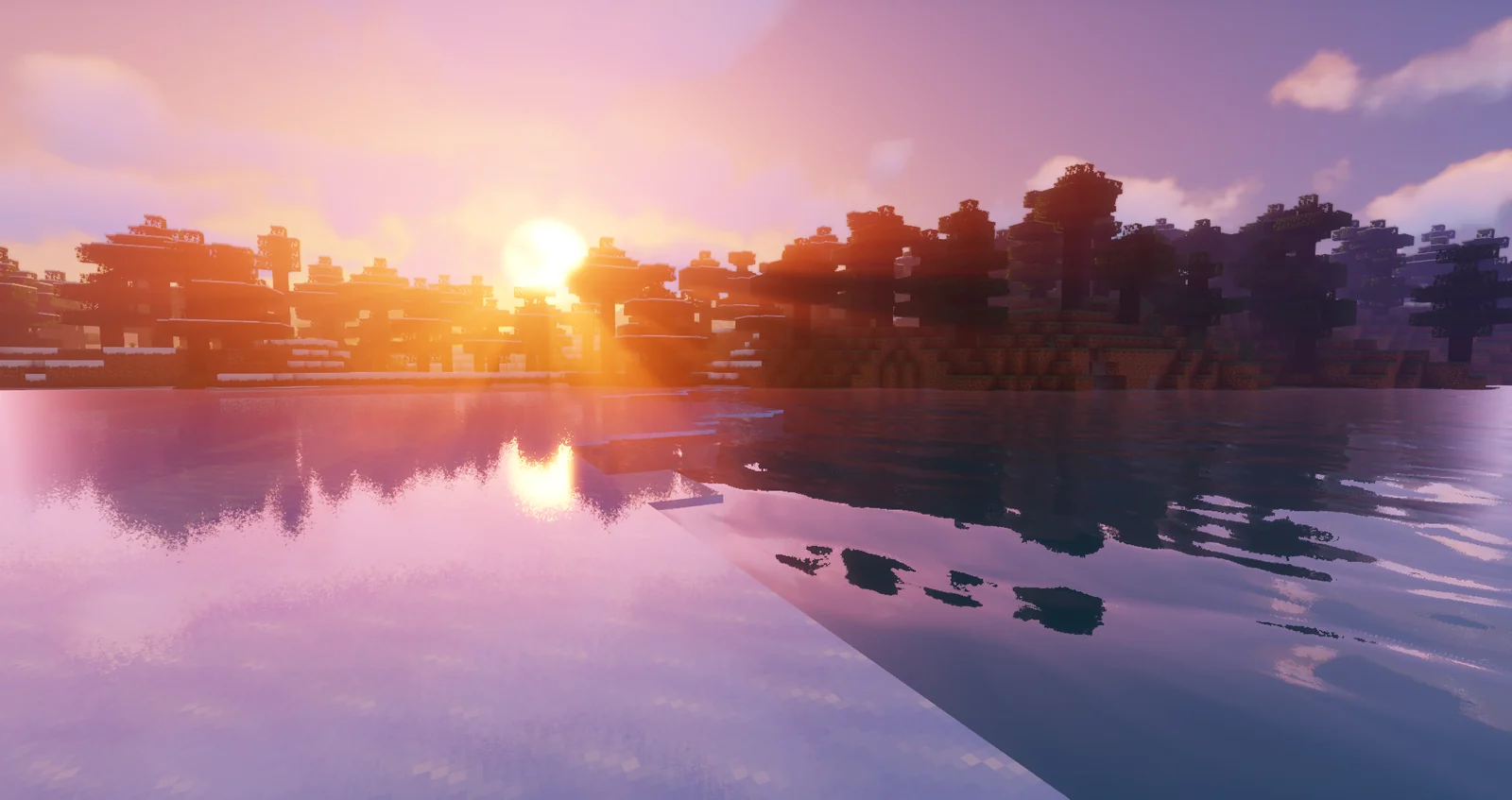
Vibrant is the full visual overhaul. It adds volumetric light, stronger shadows, reflective water and glass, rain puddles, bloom, atmospheric fog, and configurable clouds. Lite and Medium reduce the rendering cost; High and Extreme increase quality; High-MB adds motion blur; Extreme-VL emphasizes volumetric lighting. It is the best branch for screenshots and cinematic survival worlds, but it also has the widest performance range.
Start at Medium and move only one preset at a time. If the world stutters around forests, villages, water, or Distant Horizons terrain, reduce the preset before changing many individual settings. This keeps troubleshooting simple and makes it clear whether the main limit is the shader or the rest of the mod setup.
Sildur's Enhanced Default
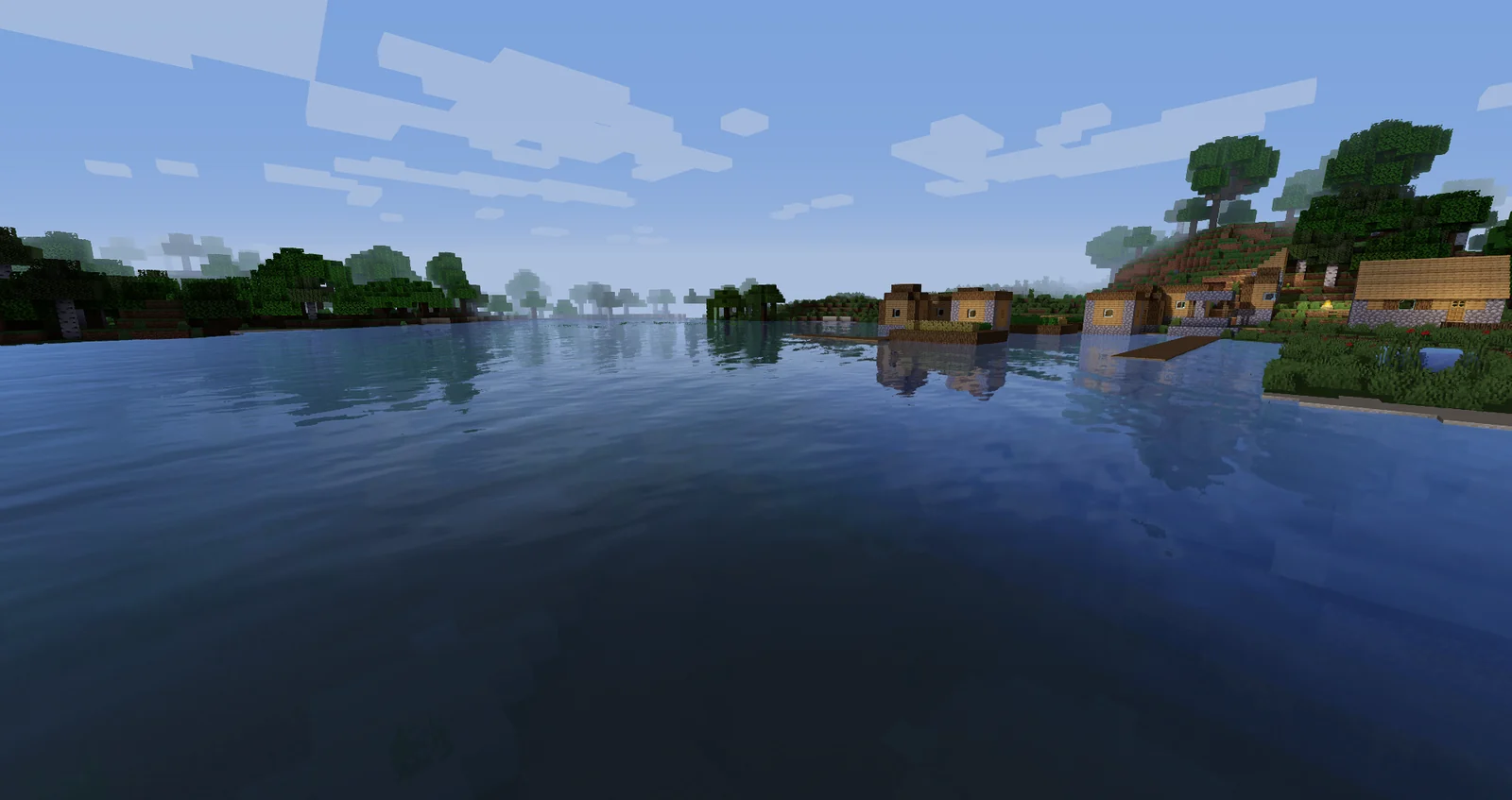
Enhanced Default is designed for players who still want Minecraft to look like Minecraft. It improves light, shadows, reflections, water, fog, and atmosphere without applying the more cinematic color treatment of Vibrant. The Fast preset suits integrated and entry-level GPUs, while Fancy enables the stronger version of its effects.
This branch is a practical choice for long survival sessions, building, multiplayer, and resource packs that already define a strong visual identity. It also makes a useful diagnostic step: if Vibrant is too demanding but Enhanced Default runs smoothly, your loader and driver are probably working and the remaining issue is effect cost.
Sildur's Basic Shaders
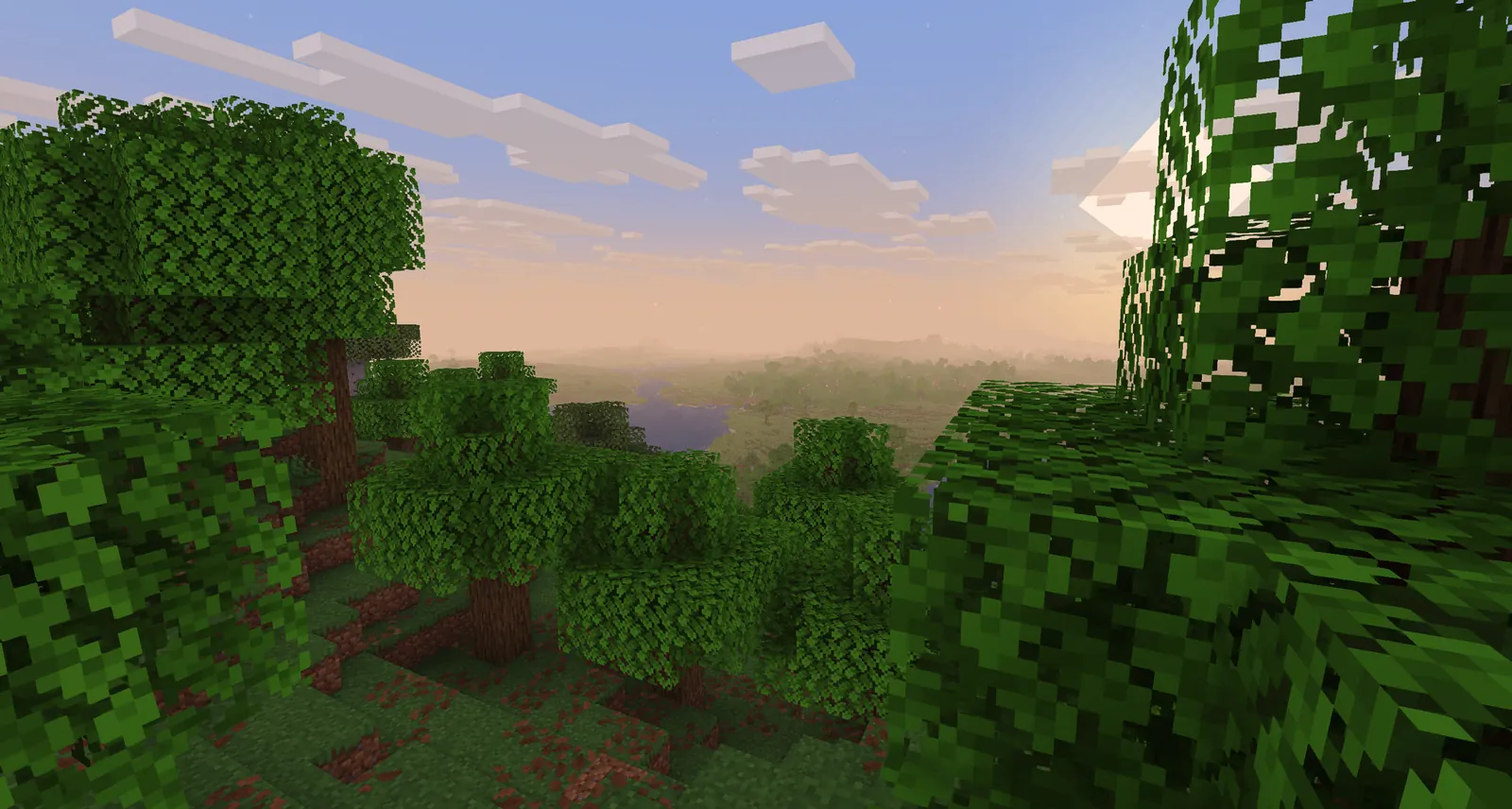
Basic makes focused rendering changes and has the smallest files. Fast and Fancy are the normal gameplay options. DoF is aimed at depth-of-field screenshots, and Motion Blur changes movement presentation. Those specialist builds are not automatically better for everyday play; choose them only when you want that particular effect.
The tiny ZIP size is normal because shader packs mostly contain code and settings, not large texture libraries. Basic is the strongest starting point for older computers, very high frame-rate goals, older Minecraft installations, or troubleshooting a system that fails with more complex shader pipelines.
SAFE INSTALLATION
How to download Sildur's Shaders safely
A legitimate shader download is a ZIP file, not an EXE, browser extension, password-protected archive, or custom download manager. Select a preset above, review the filename in the confirmation dialog, and continue to the Modrinth CDN. Keep the archive compressed. Minecraft's shader loader reads the ZIP directly from the shaderpacks folder.
Before replacing an older release, note any shader settings you changed. Most updates can be installed beside the old ZIP so you can test the new version and return to the previous one if a driver or mod behaves differently. Delete old builds only after the new Sildur's Shaders version loads correctly in the same Minecraft profile and world.
SHA-512 values are available on each product page. Hash verification is optional, but it can confirm that a completed file matches the release record. It is especially useful when a download was interrupted, synchronized between computers, or copied from another drive. The version, filename, size, and hash should all describe the same preset.
Every button points to the file published by Sildur on Modrinth. This site does not host or modify the ZIP files.
QUICK DECISION
Which Sildur's shader should you use?
Pack
Visual style
Performance
Best starting preset
Vibrant
Most dramatic and cinematic
Moderate to demanding
Medium
Enhanced Default
Close to vanilla, cleaner light
Light to moderate
Fast
Basic
Focused, minimal effects
Lightest
Fast or Fancy
INSTALL IN MINUTES
Use Iris or OptiFine
Sildur's packs are shader ZIPs for Minecraft Java Edition. They need a shader loader and do not work as Bedrock resource packs. Iris is the usual choice for current Fabric installations; OptiFine remains useful for many older versions.
Install Iris or a compatible OptiFine build.
Download one preset and leave the ZIP compressed.
Move it into the shaderpacks folder and enable it in Video Settings.
The buttons link to the exact files published under Sildur's Modrinth projects. We display the target filename and wait 15 seconds before leaving the site. We do not repackage or serve the ZIPs.
What is the best Sildur's Vibrant preset?
Medium is the best first test for most gaming PCs. Move down to Lite if frame rate is unstable, or move up to High and Extreme only after checking performance in a demanding area.
Do Sildur's Shaders work with Minecraft Bedrock?
No. These downloads target Minecraft Java Edition and need Iris or OptiFine. Bedrock's rendering and add-on formats are different.
Should I use Iris or OptiFine?
Iris is generally the cleaner route on current Fabric setups and works well with Sodium. OptiFine can be convenient for older Minecraft versions and existing mod configurations.
Why is the shader ZIP so small?
Shader packs mostly contain GLSL code, settings, and small support textures, not a large texture pack. A file size between roughly 35 KB and 251 KB is normal for the current releases listed here.
What is the latest Sildur's Shaders version?
There is no single version number for the whole family. The current releases verified on July 22, 2026 are Vibrant 2.01, Enhanced Default 1.19, and Basic 2.6. Check the changelog because each family is updated independently.
Can I use Sildur's Shaders with Distant Horizons?
Current release notes list Distant Horizons support. Vibrant 2.01 also describes Nether and End support. Results still depend on the loader, Distant Horizons version, GPU, view distance, and other rendering mods.
Will Sildur's Shaders change my world?
No. A shader changes how Minecraft renders a world and does not rewrite the world's blocks or save data. Even so, keep normal world backups before changing a large modpack or Minecraft version.