
Sildurs Shaders OptiFine: Install Sildur's Shaders with OptiFine
Use this OptiFine-only route when you want Sildur's Shaders in a clean Minecraft Java profile. Match the game and loader versions, keep the shader archive intact, select the correct profile, and test one preset before adding other rendering mods.
Sildurs shaders optifine searches usually describe one practical job: loading a Sildur shader ZIP through an OptiFine profile rather than through Iris. OptiFine supplies the profile and the Shaders menu; Sildur's Vibrant, Enhanced Default, or Basic remains a separate compressed archive.
This page narrows the broader installation guide to that OptiFine workflow. It explains how to match versions, confirm the launcher profile, find the right instance folder, choose a safe first preset, and recover from the errors that make a shader appear missing or unusably slow.
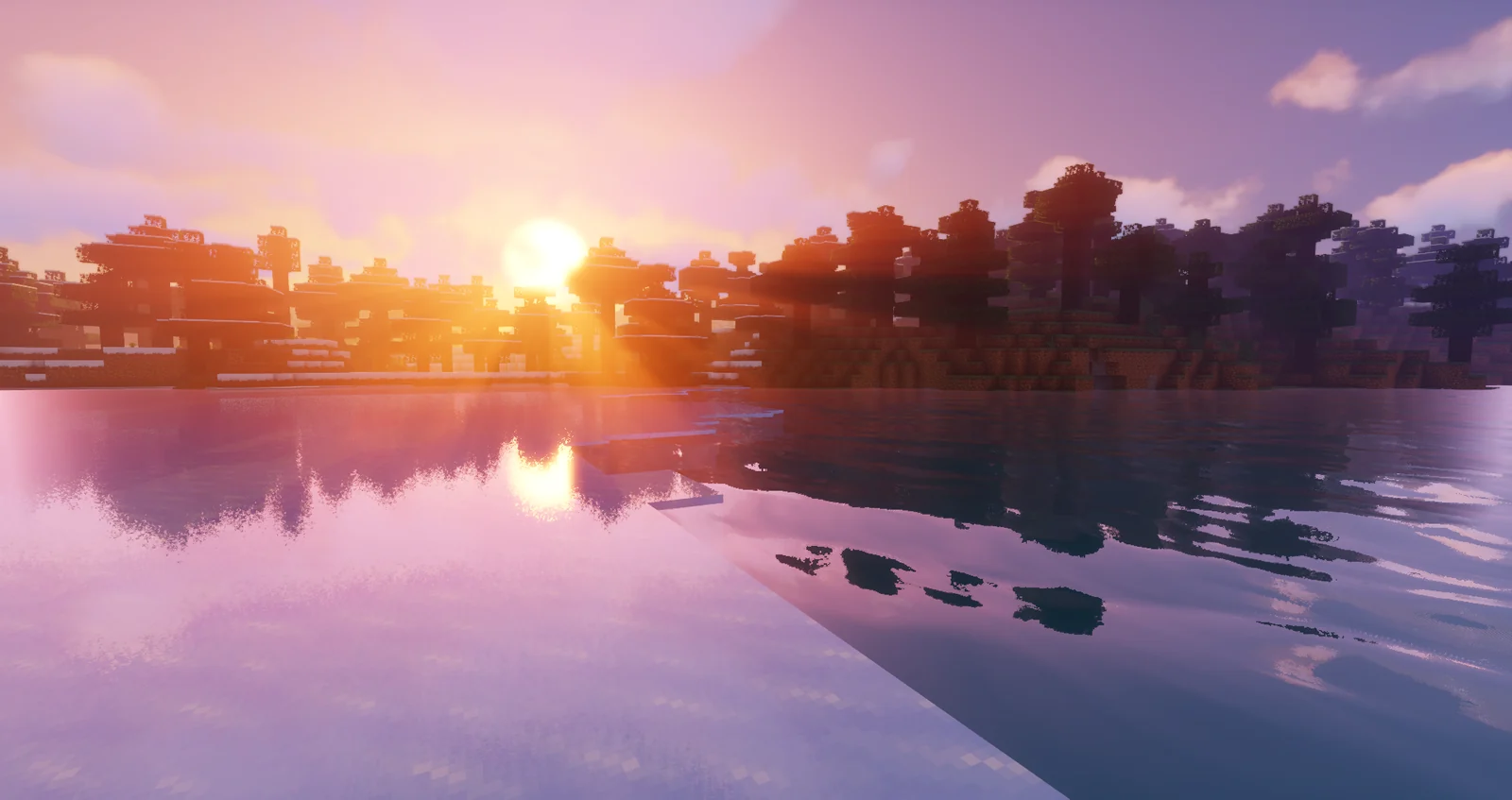
What OptiFine changes in a Sildur setup
OptiFine is the loader route in this guide, not the shader itself. Understanding that separation prevents the most common installation mistake: treating a shader ZIP like a mod JAR or looking for it in a mod list. A Sildurs Shaders OptiFine check starts by keeping those roles separate.
The Minecraft launcher starts a particular game profile. OptiFine adds a profile that changes the rendering path and exposes Options → Video Settings → Shaders. Sildur's Shaders then adds the visual program that the menu compiles. The three pieces must point to the same Minecraft instance: the game version, the OptiFine build, and the folder opened by the active profile.
This route is useful for established OptiFine worlds, older Minecraft versions, or mod configurations that already depend on OptiFine. Iris is often a cleaner choice for a new Fabric setup, but installing both renderers in one test profile makes it harder to identify a bad file, an incompatible version, or a conflicting graphics mod.
Sildur files are distributed as ZIP shader packs. They are not Forge or Fabric mods, do not belong in the mods directory, and should not be extracted. A correct file can sit beside other presets in shaderpacks, while only the one you select is active.
| Layer | Job | Check |
|---|---|---|
| Minecraft Java | Runs the world and profile | Use the exact version you intend to launch |
| OptiFine | Creates the rendering profile and Shaders menu | Match its build to Minecraft |
| Sildur ZIP | Supplies shadows, light, water, and atmosphere | Keep the archive directly in shaderpacks |
| Other visual mods | Change the same rendering systems | Add them only after the clean test works |
Match Minecraft and OptiFine before opening the shader menu
Version matching is the part of OptiFine shader installation that saves the most time. Do not choose a file because its name looks newer; choose the build that explicitly targets the profile you launch. A Sildurs Shaders OptiFine profile is only useful when all three versions point to the same instance.
Write down the Minecraft version shown in the launcher or custom instance. Launch the unmodified profile once so the game creates its own directories and version files. Then use the official OptiFine downloads page to select a compatible build. If the OptiFine installer cannot create a profile, the Java runtime or the selected Minecraft version is usually the first thing to check.
Back up important worlds and note your resolution, render distance, resource packs, and other rendering mods. A shader normally changes the way frames are drawn, but changing a full profile can also change libraries, Java arguments, and mod versions. Close Minecraft before moving archives so the next launch refreshes the list cleanly.
Keep the first test small: one OptiFine profile, one Sildur ZIP, and a familiar world. Do not add a second renderer, a distant-terrain mod, or a large modpack until the basic shader path works. A clean baseline gives every later error a useful comparison point.
- Minecraft Java, OptiFine, and the launcher profile use the same version family.
- The official OptiFine installer is a JAR; a shader ZIP is a different file and stays compressed.
- Important worlds and custom options have a backup or written baseline.
- The first test uses one renderer and one shader pack.
How to install Sildur's Shaders with OptiFine
Complete the steps in order. The goal is to prove the loader first, place the ZIP through the profile's own folder button, and only then tune image quality. This Sildurs Shaders OptiFine sequence keeps each result easy to verify.
- 1. Install the matching OptiFine buildDownload OptiFine from its official downloads page and run the installer with Java. Select the Minecraft version that matches the profile you intend to launch. A successful installer normally offers an OptiFine profile in the launcher.
- 2. Start the OptiFine profile onceOpen the official launcher, choose the new OptiFine profile, and reach the title screen or a test world. This confirms that the profile is selected instead of ordinary vanilla Minecraft.
- 3. Download a Sildur presetUse the Sildur family page or its author-published Modrinth file. Start with Basic Fast, Enhanced Default Fast, or Vibrant Lite when you are testing the pipeline. Save the original filename and do not rename the archive to imitate another preset.
- 4. Open Options and Video SettingsInside the OptiFine profile, choose Options, then Video Settings. A working OptiFine installation exposes a Shaders button. If the button is absent, stop here and return to profile and version checks.
- 5. Open Shaders FolderClick the Shaders button and then Shaders Folder. This is safer than guessing a global .minecraft path because Prism, CurseForge, MultiMC, and other launchers can use separate instance directories.
- 6. Place the ZIP without extracting itMove the downloaded Sildur ZIP directly into the folder that opened. Do not put it in resourcepacks or mods, and do not create an extra folder around it. Close the folder window and return to the shader list.
- 7. Select, apply, and wait for compilationSelect the Sildur entry, apply it, and wait while resources reload. Enter a real world before judging the result. If compilation fails, keep the same profile and test the lightest preset before changing several settings at once.
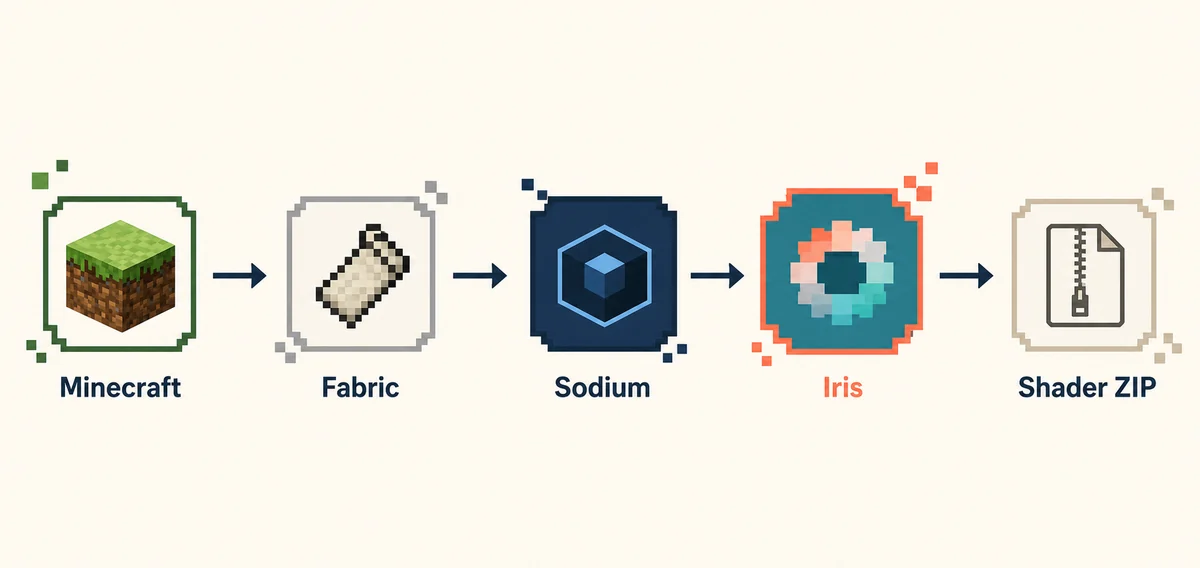
Find the correct OptiFine shaderpacks folder
The folder opened by the in-game button is the source of truth. Manual paths help when the button fails, but they are only correct for the instance you actually start. The Sildurs Shaders folder belongs to that active OptiFine instance.
On a standard Windows installation, the common path is `%appdata%\.minecraft\shaderpacks`. On macOS it is `~/Library/Application Support/minecraft/shaderpacks`, and on Linux it is commonly `~/.minecraft/shaderpacks`. These locations are defaults, not guarantees. A custom game directory, portable launcher, or separate installation can change them.
Prism Launcher, MultiMC, CurseForge, and similar tools normally keep an instance folder with its own `shaderpacks` directory. If a ZIP is visible in the global folder but absent from OptiFine, open that instance's folder from the profile or copy the file into the directory the button reveals. Never solve a missing entry by scattering duplicate ZIPs across random folders.
The archive should be one level deep: `shaderpacks/Sildur...zip`. If the download manager created `shaderpacks/Sildur.../Sildur...zip`, move the ZIP up one level. The same rule applies after an update. Keeping the original filename makes it easier to distinguish Vibrant, Enhanced Default, Basic, and their preset variants.
| Launcher or OS | First choice | If the list stays empty |
|---|---|---|
| Official launcher · Windows | Use Shaders Folder; default is %appdata%\.minecraft\shaderpacks | Confirm the selected OptiFine profile |
| macOS | Use the in-game button; default is ~/Library/Application Support/minecraft/shaderpacks | Check the custom game directory |
| Linux | Use the in-game button; default is ~/.minecraft/shaderpacks | Check permissions and the active instance |
| Prism/CurseForge/MultiMC | Use the instance's own folder | Do not copy into the global .minecraft folder |
Choose a Sildur preset and verify the result
A successful Sildurs shaders optifine setup changes a loaded scene, not just the menu. Test the same route in the same world so a visual improvement does not hide a frame-time problem. Treat this Sildurs Shaders OptiFine test as a baseline before raising quality.
Basic Fast is a sensible baseline for older or integrated graphics. Enhanced Default Fast keeps more of the vanilla look while adding depth, water, and lighting. Vibrant Lite gives a stronger visual change with more headroom than Medium or Extreme. Once the loader and folder work, raise quality one preset at a time instead of jumping straight to the heaviest profile.
Walk through foliage, water, an interior, a village, rain, and a chunk-loading area. Wait until the world finishes loading before comparing. If frame time becomes uneven, reduce shadow resolution and distance, volumetric effects, reflections, cloud quality, and render distance in that order. A still screenshot can look smooth while movement or chunk streaming exposes the real limit.
Look for dynamic shadows, changed water or fog, sky lighting, and effects that respond to the time of day. The exact look depends on the Sildur family and preset. If the menu lists the pack but the scene is unchanged, make sure the entry is selected and that Shaders is not set to Off or Internal, then reload the world once.
- Basic Fast: lowest-risk check for a weak or integrated GPU.
- Enhanced Default Fast: vanilla-friendly balance for survival and building.
- Vibrant Lite: stronger color and light with a lighter cost than Medium or Extreme.
- Keep a working preset installed as a rollback point while testing a heavier one.
Fix missing shaders, black screens, and slow FPS
Use the symptom to choose the smallest next check. Reinstalling every component at once removes the evidence that tells you which layer failed. Sildurs Shaders troubleshooting is clearer when the OptiFine profile stays unchanged.
If the Shaders button is missing, you are probably running vanilla or a different launcher profile. Close the game, select the OptiFine profile again, and verify that the profile's version matches the installed OptiFine build. If the button exists but the list is empty, open Shaders Folder from that same profile and inspect the ZIP extension and folder depth.
For a black screen or shader compilation error, test a clean profile with no other rendering mods, update the graphics driver, and start with Basic Fast. Do not assume more system RAM will fix a GPU shader failure. If only one preset fails while a lighter preset works, the issue is likely an effect or hardware limit rather than a missing file.
For low FPS, keep resolution and render distance fixed while lowering expensive effects one at a time. A laptop with both integrated and dedicated graphics may be launching Java on the weaker adapter; check the operating system's graphics preference. Record the working settings before updating Minecraft, OptiFine, drivers, or a modpack so you can roll back cleanly.
The Sildur ZIP does not appear in OptiFine. What should I check first?
Open Shaders Folder from the active OptiFine profile, confirm the file ends in .zip, and place it directly in that folder. Check that it is not in resourcepacks, mods, or a nested subfolder and that the launcher instance is the one you started.
OptiFine shows Shaders but the game becomes very slow. What is the fastest fix?
Switch to Basic Fast, Enhanced Default Fast, or Vibrant Lite. Lower shadow resolution and distance, volumetric effects, reflections, clouds, and render distance while testing the same world and resolution.
Why is the screen black after selecting Sildur's Shaders?
Test a clean OptiFine profile, update the GPU driver, confirm the Minecraft and OptiFine versions, and remove other rendering mods. A heavy preset may exceed the GPU even when the ZIP is valid.
Can a Sildur shader ZIP be installed as a Forge or Fabric mod?
No. The ZIP is a shader pack. OptiFine reads it from shaderpacks; it does not belong in the mods directory or a mod list.
Should I use Iris and OptiFine together?
Use one clean renderer for the test profile. Iris is an alternative route for Fabric and Sodium setups; installing it beside OptiFine makes version and rendering conflicts harder to isolate.
Can I keep several Sildur presets installed?
Yes. Keep each original ZIP in the same shaderpacks folder, but select only one at a time. A lighter preset is useful as a rollback comparison when a heavier one fails.
Sildurs shaders optifine questions
These answers cover the small decisions that often interrupt an otherwise correct installation. Keep the Sildurs Shaders OptiFine route consistent while checking them.
Do not extract the Sildur archive. OptiFine loads the compressed ZIP directly, and extraction commonly creates an extra folder that the shader list cannot read. Likewise, do not rename a file to match a different preset: the original name makes version and family checks easier.
When you update, leave the old ZIP in place while testing the new one. Select the new entry, load the same world, and compare water, foliage, interiors, rain, and night. Only remove the old file after the new profile is stable and you have recorded any custom options that changed.
Does Sildur's Shaders with OptiFine work on Bedrock Edition?
This guide is for Minecraft Java Edition. OptiFine and Java shader ZIPs do not install through the Bedrock or console rendering pipeline.
Where can I get the OptiFine installer?
Use the official OptiFine downloads page and choose a build that names the Minecraft version of your profile. Avoid bundled third-party installers and do not call an unverified file official.
Does OptiFine support every current Minecraft release?
No. Availability varies by Minecraft version. Check the official OptiFine downloads page before planning a new profile; if the required build is unavailable, use a compatible loader route described on the site's compatibility page.
Why does OptiFine look different from Iris?
The loaders implement parts of the rendering pipeline differently. Fog, transparency, shadows, or performance can vary even when the same Sildur preset is valid on both routes.
What should I do before adding a modpack?
Keep the clean OptiFine profile and one verified ZIP as a baseline. Add the modpack or visual mods one at a time, and return to the baseline whenever the shader menu or compilation fails.
How do I update without losing my settings?
Write down important shader options before replacing the file. Keep the old ZIP, test the new release in the same world, and recreate settings carefully because option names and defaults can change.
OptiFine and Sildur sources
Use first-party project pages for the loader, the pack files, and version support. This site links to author-published files and does not mirror shader archives.
- OptiFine downloads — Official installer and version availability.
- Sildur's Shaders installation — Author's Iris and OptiFine workflow reference.
- Sildur's Vibrant Shaders on Modrinth — Author-published files, versions, and compatibility notes.
- Sildur's Enhanced Default on Modrinth — Fast and Fancy presets and loader notes.
Keep the OptiFine profile and the shader ZIP easy to verify
A reliable Sildurs shaders optifine installation is a short chain: matching Minecraft Java and OptiFine versions, the correct launcher profile, one intact Sildur ZIP, and the shaderpacks folder opened by that profile. Start light, test a real world, and change one performance setting at a time.
If you later move to Fabric and Sodium, use the dedicated Iris guide rather than mixing renderers in the same test profile. For version support, hardware limits, and preset choices, continue to the compatibility and Sildur family guides below.