
Compare Sildur's Shader Packs
Choose the Sildur family first, then choose a preset. Vibrant changes the look most, Enhanced Default stays close to vanilla, and Basic keeps the rendering budget small.
Sildur's shader packs are a family of related releases, not one file with three names. The useful decision is whether you want a cinematic lighting rewrite, a restrained upgrade to Minecraft's normal art direction, or a focused lightweight effect. Once the family is right, the preset name tells you how much performance headroom to reserve.
This guide compares the current verified releases: Sildur's Vibrant Shaders 2.01, Sildur's Enhanced Default 1.19, and Sildur's Basic Shaders 2.6. The version numbers are family-specific, so 2.01 is not automatically newer than 1.19 or 2.6. Use the linked product pages for exact filenames, file sizes, checksums, and author-published Modrinth CDN downloads.
The comparison is for Minecraft Java Edition with Iris or OptiFine. It is a selection guide rather than a benchmark promise: resolution, render distance, drivers, resource packs, world complexity, and the active loader can change the result. Test the same route in the same world before deciding which preset feels best.
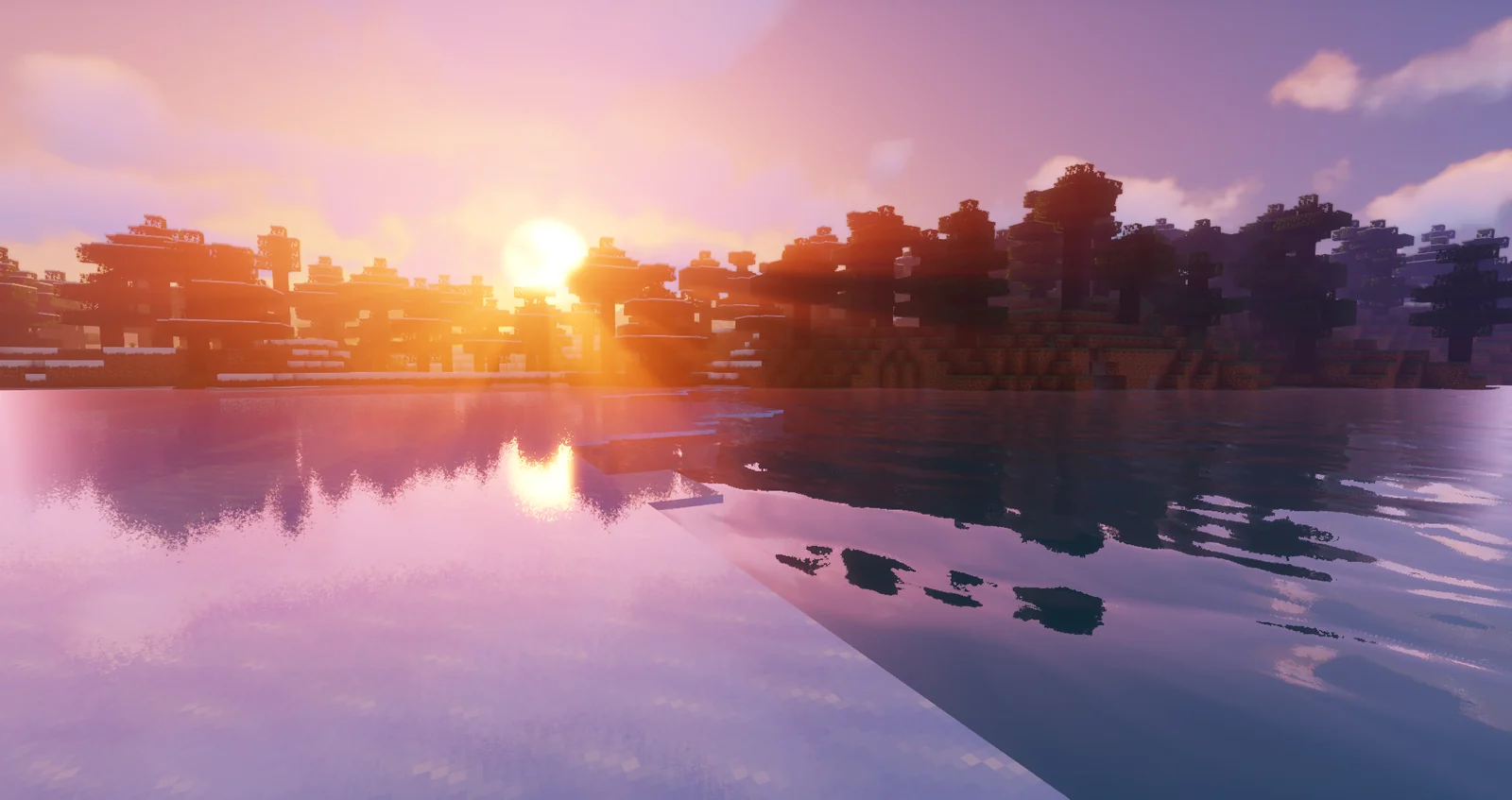
Sildur's shader families at a glance
GPU load is a relative starting point, not a guaranteed FPS result. Compare in the resolution and render distance you actually use.
| Family | Current release | Presets | Visual character | Start here |
|---|---|---|---|---|
| Sildur's Vibrant | 2.01 · June 22, 2026 | Lite, Medium, High, High-MB, Extreme, Extreme-VL | Colorful, reflective, cinematic; medium to very high load | Medium, or Lite on modest hardware |
| Sildur's Enhanced Default | 1.19 · May 23, 2026 | Fast, Fancy | Vanilla-friendly shadows, water and atmosphere; low to medium load | Fast |
| Sildur's Basic | 2.6 · May 23, 2026 | Fast, Fancy, DoF, Motion Blur | Small, focused effects; low load | Fast |
Vibrant is the family for players who want the world to look unmistakably different. Enhanced Default is the safer middle path for survival, building, multiplayer and modpacks where readable block colors matter. Basic is the diagnostic and performance-first choice: it changes less and gives you specialist DoF or Motion Blur builds when you actually want those effects.
Do not select the largest preset because its name sounds better. A stable Medium, Fast or Basic profile is usually more enjoyable than an Extreme profile with frame-time spikes. If your priority is low-end hardware, use the dedicated low-end PC guide; if your priority is tuning shadows, reflections or volumetrics, use the settings guide instead of making this comparison page carry every optimization detail.
The family pages are the download boundary. This page links to them for current files and verified metadata, while the ZIP files remain on the author's Modrinth CDN. The comparison itself does not mirror, repackage or rename any shader archive.
Which Sildur family fits your session?
Choose based on the visual change you will enjoy for several hours, not only on a striking screenshot. Each family solves a different trade-off.
1. Sildur's Vibrant Shaders 2.01
Vibrant is the cinematic branch. It adds the strongest combination of volumetric light, reflections, wet surfaces, sky changes, color grading and shadow detail. Six presets let you keep the family while adjusting the cost: Lite is the entry point, Medium is the practical all-rounder, High and High-MB add headroom or motion blur, and Extreme or Extreme-VL push the effect budget further. It is the right choice for screenshots, exploration and players who want Minecraft to feel transformed.
- Six clearly separated performance presets
- Medium is the sensible first comparison
- Extreme-VL emphasizes volumetric lighting rather than being a universal upgrade
2. Sildur's Enhanced Default 1.19
Enhanced Default improves shadows, water, clouds, fog and atmosphere without replacing Minecraft's recognizable visual identity. Fast is the starting point for integrated graphics, laptops, long view distances and heavy modpacks. Fancy is for systems with extra GPU headroom. Choose this family when you want better depth and lighting but still need blocks, builds, signs and resource-pack colors to remain easy to read.
- Fast and Fancy presets
- Strong choice for survival and building
- A calmer alternative when Vibrant feels too stylized
3. Sildur's Basic Shaders 2.6
Basic makes smaller, more focused rendering changes. Fast and Fancy are the everyday choices; DoF is for controlled screenshots, and Motion Blur is for players who specifically want that movement treatment. The small ZIP is expected because the pack contains shader code and settings rather than a large texture library. Basic is the best first diagnostic when a heavier pack is too slow or when you want to confirm that the loader, driver and shaderpacks folder work.
- Fast, Fancy, DoF and Motion Blur variants
- Lowest-cost starting point in the Sildur family
- Specialist effects are choices, not automatic upgrades
Choose the look you want to keep
Choose Vibrant when stronger color, reflective water, light shafts and changing skies are part of the reason you installed a shader. Its richer pipeline rewards outdoor exploration and screenshots, but it can be less predictable in rain, caves, dense foliage and large bases. Begin with Medium or Lite and move upward only after the same test route stays smooth.
Choose Enhanced Default when you want Minecraft to remain visually familiar. It is easier to recommend for long survival sessions, building, multiplayer and modpacks with their own resource packs. Fast creates a useful baseline; Fancy is a controlled step up, not a requirement for the page to look good.
Choose Basic when performance, clarity or troubleshooting matters more than cinematic effects. Fast is a clean baseline. Fancy adds a little more presentation, while DoF and Motion Blur should be installed only when you have a specific creative reason.
- For dramatic screenshots: Vibrant Medium, High or Extreme after a stable baseline.
- For vanilla-style survival: Enhanced Default Fast, then Fancy if the frame time is comfortable.
- For older or integrated GPUs: Basic Fast, Enhanced Default Fast or Vibrant Lite.
- For a visual troubleshooting baseline: Basic Fast in a clean Iris or OptiFine profile.
- For building: prioritize readable shadows, glass, water, signs and material colors.
- For multiplayer: prioritize stable frame time over the heaviest preset label.
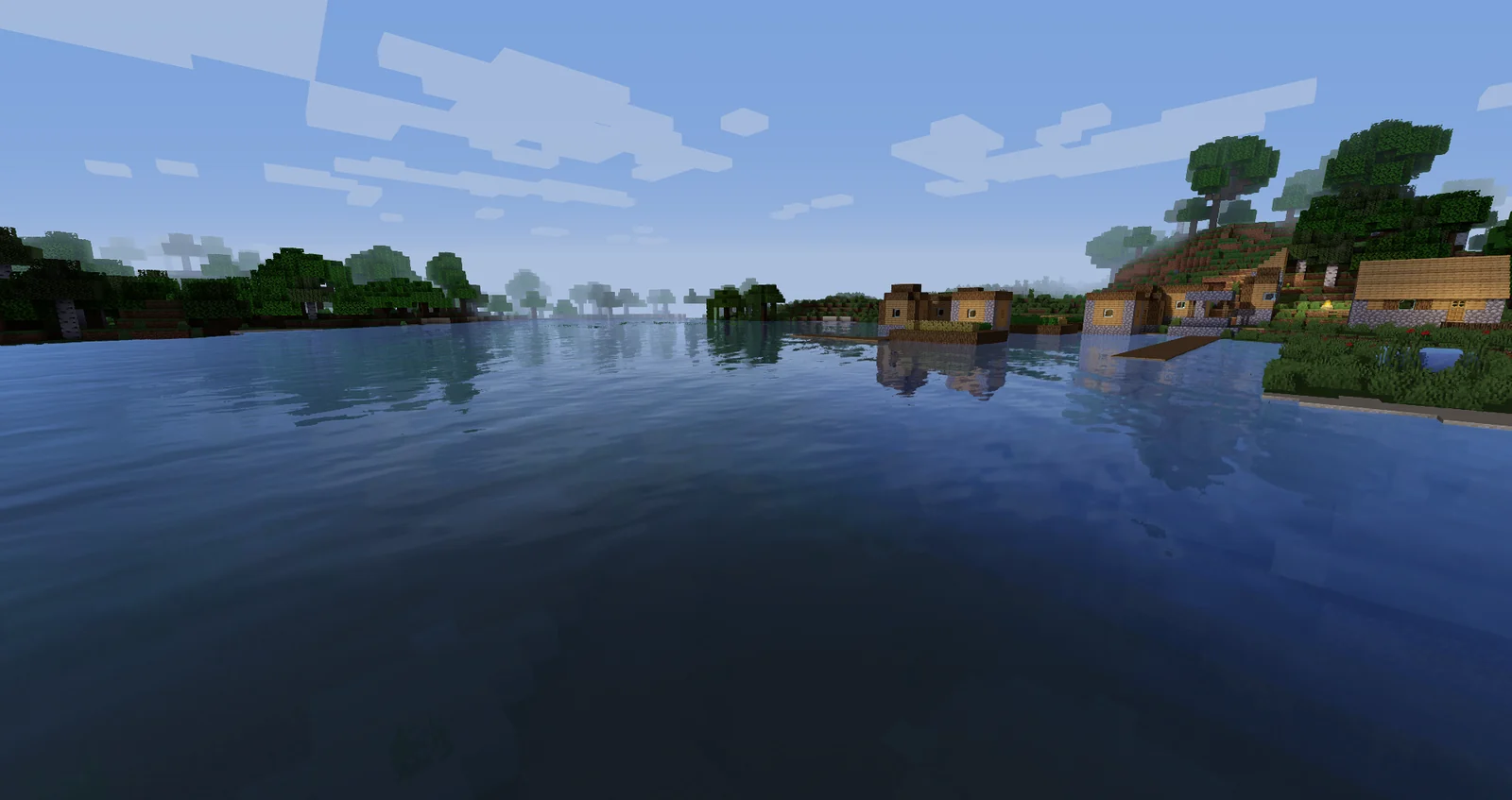
How to compare Sildur packs without guessing
A fixed ten-minute route tells you more than switching packs in different worlds. Keep the loader, resolution, render distance, resource packs and mods unchanged.
- 1. Confirm Java and the loaderUse Minecraft Java Edition and match Iris or OptiFine to the exact game profile. Bedrock instructions and resource-pack folders do not install these Java shader ZIPs.
- 2. Set a frame-rate floorDecide what smooth play means for you before opening the shader menu. A preset that only feels good while standing still is not a reliable everyday choice.
- 3. Test the same demanding scenesWalk through water, trees, a detailed base, a cave entrance, rain, sunset and night. These scenes stress different combinations of shadows, reflections, clouds and volumetric effects.
- 4. Start at the family baselineUse Vibrant Medium, Enhanced Default Fast or Basic Fast first. Do not change five settings at once; you need a known-good baseline before judging a heavier preset.
- 5. Move up or down one stepIf the baseline is smooth, try the next richer preset in the same family. If frame time is uneven, step down before lowering every effect, then tune shadows and volumetrics in the settings guide.
- 6. Keep separate daily and screenshot profilesOne preset does not need to serve every job. Save a readable daily profile and a richer screenshot profile so you do not trade ordinary playability for one dramatic scene.
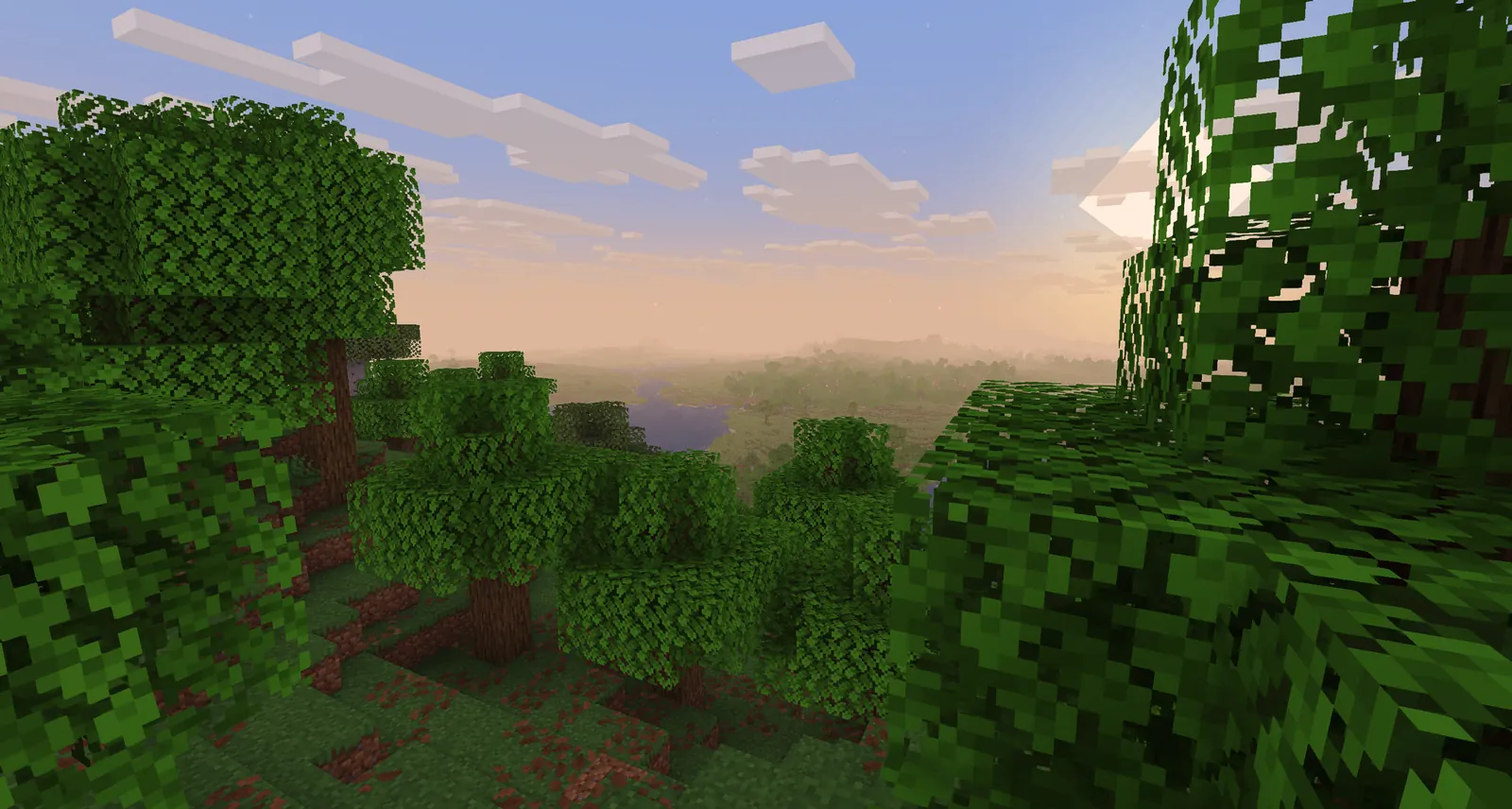
Sildur's shader packs FAQ
Which Sildur shader is best for most players?
Start with Vibrant Medium if you want a noticeable visual upgrade and have GPU headroom. Start with Enhanced Default Fast for a familiar vanilla-style world, or Basic Fast when stable FPS is the main goal.
Is Sildur's Vibrant Extreme better than Extreme-VL?
Neither is universally better. Extreme-VL gives volumetric lighting more emphasis, while standard Extreme is the cleaner maximum preset when you prefer the richer pipeline without that specialized priority. Compare both in the same scene.
Which Sildur pack is best for a low-end PC?
Try Basic Fast first, then Enhanced Default Fast or Vibrant Lite if the baseline is stable. Use the low-end PC guide for hardware tiers, render-distance advice and a repeatable FPS test.
What is the difference between Sildur's Vibrant and Enhanced Default?
Vibrant changes color, sky, reflections and lighting more dramatically. Enhanced Default keeps the vanilla direction and adds restrained depth, water, shadows and atmosphere. The better choice depends on whether you want transformation or familiarity.
Can I use all Sildur presets at once?
You can keep multiple ZIPs in the shaderpacks folder, but only one shader pack is active at a time. Keeping a lighter preset installed makes comparisons easier.
Do these Sildur packs work on Minecraft Bedrock?
No. These ZIPs target Minecraft Java Edition through Iris or OptiFine. Bedrock uses a different graphics and add-on system, so a Java shader archive should not be copied into a Bedrock resource-pack folder.
Where the comparison facts came from
The current family versions and preset names were checked against author-controlled project pages on August 22, 2026. Use the family pages for the exact release files rather than third-party mirrors.
- Sildur's official downloads — Family releases and official project links
- Sildur's shader projects on Modrinth — Version files, galleries and compatibility records
- Sildur's shader listings on CurseForge — Independent first-party listing cross-check
Pick the family that fits real play
For a first comparison, run Vibrant Medium, Enhanced Default Fast and Basic Fast through the same route. Keep Vibrant when the visual change is the point, Enhanced Default when readability and familiarity win, and Basic when stable frame time matters most. Then use the dedicated product page for the exact preset file and the settings guide for fine tuning.
The site checked the current releases before publishing this comparison: Vibrant 2.01, Enhanced Default 1.19 and Basic 2.6 remain the verified family versions as of August 22, 2026. No version, file-size or download-link change was required; only the verification record was refreshed.