
Sildurs Shaders Download Guide
Compare the current Sildur's Vibrant, Enhanced Default, and Basic files by preset, version, size, checksum, and the setup each download suits.
This Sildur's Shaders download guide answers the practical Minecraft Java choice: which family and preset fit your setup? Vibrant changes more of the scene and has six presets; Enhanced Default stays close to vanilla with Fast and Fancy; Basic keeps the file and effect budget small.
Release records checked against Modrinth's public project data on September 18, 2026 show Vibrant 2.02, Enhanced Default 1.20, and Basic 2.7. Each row lists the exact filename, size, release date, CDN URL, and SHA-512 so you can compare the saved file with the intended download.
This is an independent fan guide, not an official Sildur, Mojang, Microsoft, Modrinth, or CurseForge site. Keep the ZIP compressed, use a Java loader, and check compatibility before replacing a working profile.
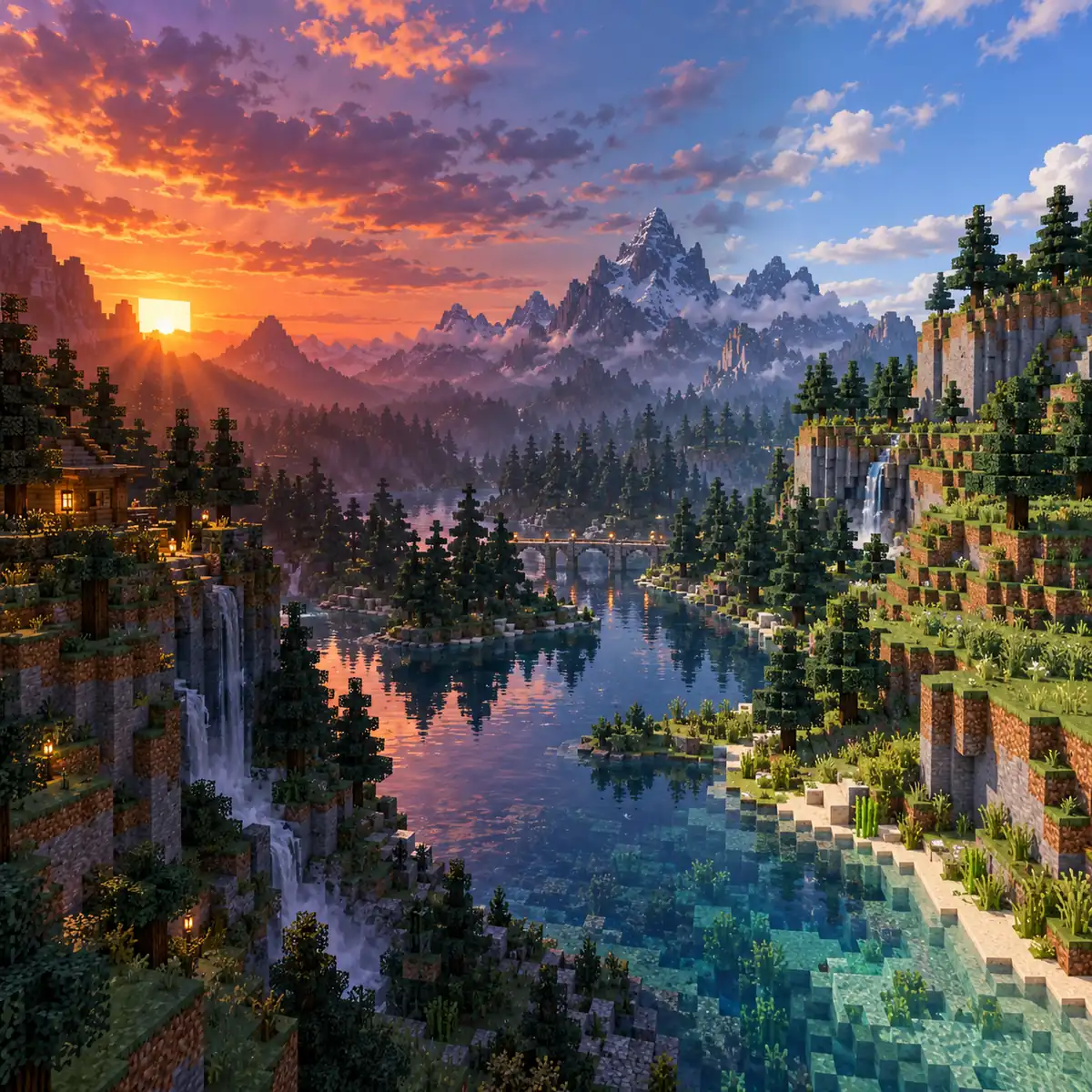
Sildur's Shaders download files by family
Use the preset description first. Each row shows the exact version, date, filename, size, and SHA-512. Select Download to review the filename before opening Modrinth's CDN.
Sildur's Vibrant Shaders v2.02
Extreme
High-end GPUs
Sildur's Vibrant Shaders v2.02 Extreme.zip
SHA-512: da6d9cfdfaedfe96741f7b61d69a650d4b2f7a02f744b9e0935873135b9b9fff74ea73c44c74c22c828e7a42783e25db767d5ef867d47f4d907e5aedb1294971
Extreme-VL
Maximum volumetric lighting
Sildur's Vibrant Shaders v2.02 Extreme-VL.zip
SHA-512: 684b7be19113e949defa27c48583529ab1ed3267952d744c78fe708214684c6552116e843590c2fe94f11f6af36bc1c423aab331711bbc7c8013b6c6fae585c2
High
Modern midrange GPUs
Sildur's Vibrant Shaders v2.02 High.zip
SHA-512: d265c29b728e56296689a36599390378ba7538af23bf4d25f109f30d361473e82b6f01bbe15e112561f380445f06372ebdbb6079fff98b892a7ad0e0fe574424
High-MB
High plus motion blur
Sildur's Vibrant Shaders v2.02 High-MB.zip
SHA-512: 8b53cca2e2abbfea8afcdeee36d4c08df9a49c8ac476560fa797c85d48a9a487d23fd9a970773fbbccc7309a0c9401bfc612088e97067f51ce93975fcf932890
Medium
Recommended starting point
Sildur's Vibrant Shaders v2.02 Medium.zip
SHA-512: 25fb3e04970f15260ad5a4d5df2fe66a21375781639873513f47aece1494d6771e54d1de18e9aa0f5911f3bf1d3d17a1b2fec3c889f3176430b3240ccbe73cd4
Lite
Integrated or older GPUs
Sildur's Vibrant Shaders v2.02 Lite.zip
SHA-512: 6b92c668fce8dcf933b129ad4967cfc32fb88c47961d64b8dfac49fb4e060d46db2322eabe1196bf88e9d3e45cbdd141d79c42f0d0837d48736c0638e5155331
Sildur's Enhanced Default v1.20
Fancy
Stronger shadows and effects
Sildur's Enhanced Default v1.20 Fancy.zip
SHA-512: f297a1864d6242d1f827c8991d4366d9d9b185871da28d313cef8ca6e10b9eb8c833160f2f634a141e0fa9881738bd57426af41996bedfa6fe7e40e05aec95bc
Fast
Integrated and entry GPUs
Sildur's Enhanced Default v1.20 Fast.zip
SHA-512: 18ccabf38c2b4c364b01d225b4beaab0489f23af4e0eb9e900aea68616c026d36985d561b7eaf1a1aed063cf8aebe10d8e85ffe361b8afa58e6c9a9963b50319
Sildur's Basic Shaders v2.7
Fancy
Best all-around Basic preset
Sildur's Basic Shaders v2.7 Fancy.zip
SHA-512: 7c9c460d6549d981fcbf3b0c8c0b2316ed4dcddeae2ea52b39e944cf7702c745bdb9df9174558a36dc1718af71880ae546321af17239a88c0b648912b8a59947
DoF
Depth-of-field screenshots
Sildur's Basic Shaders v2.7 DoF.zip
SHA-512: 2871cfdaf80880dfed0fdf4479dfad295ad33e4b502d06b1a1cb236b0f65459e7fc98b8c82e1423f96a97b78ea8fba017742a26976feef774b7a2c392d9bd753
Motion Blur
Smooth cinematic movement
Sildur's Basic Shaders v2.7 MB.zip
SHA-512: c2c63b76645626f05dde0d1c13be7c599c11536f645f2d617f0a2a67c3f92331b404b6899aa0c41a46f7e3ba88d8b6dd5679857e844ac4ec3f2efbd924d3691e
Fast
Highest gameplay performance
Sildur's Basic Shaders v2.7 Fast.zip
SHA-512: ff91a80d185a6af8362dec1c4fe5141af7625b69e186ed69db0b2ca57460b6e9fc1e46c0b35a8c2c6194c5071c51eb47e6e286b3c6a533f8426d9b71822836db
Links target author-published Modrinth CDN files. This site does not mirror ZIPs, alter filenames, or claim shader ownership. Recheck the project history after an upstream replacement.
Which Sildur's Shaders download fits your setup?
Choose the family that matches your visual goal, then choose its preset. Version numbers are independent, so a larger number is not a cross-family quality ranking.
| Family | Current release | Best first preset | Visual direction | Typical reason to choose it |
|---|---|---|---|---|
| Vibrant | 2.02 | Medium or Lite | Strong lighting, reflections, volumetric effects | You want a noticeably different atmosphere and have GPU headroom. |
| Enhanced Default | 1.20 | Fast | Vanilla-friendly shadows, water, and sky | You want improved presentation without changing the character of blocks. |
| Basic | 2.7 | Fast | Small, focused effects and low overhead | You want the lightest Sildur option or a clean compatibility test. |
Choose Vibrant for sunset light, water reflections, fog, bloom, volumetric beams, and a more cinematic world. Lite or Medium are sensible gameplay starts; use Extreme or Extreme-VL only after a repeatable test.
Choose Enhanced Default when Minecraft should remain recognizable. It suits building, survival, multiplayer, and long sessions where readable colors matter. Test Fast before Fancy to separate shader cost from loader, driver, resource-pack, and mod problems.
Choose Basic when the performance budget must stay small and predictable. Fast and Fancy are general presets; DoF and Motion Blur are specialist effects. When unsure, test Basic Fast or Enhanced Default Fast before Vibrant Lite or Medium.
Pick the exact preset before clicking download
Preset names describe a visual and performance target, not a universal ranking. Compare files in the same scene and resolution.
Sildur's Vibrant Shaders
- Lite is the safer starting point for integrated or older GPUs.
- Medium is a balanced gameplay choice for a modern dedicated GPU.
- High, High-MB, Extreme, and Extreme-VL are purpose-specific steps up in visual workload.
Sildur's Enhanced Default
- Fast is the baseline to test before Fancy.
- Fancy adds stronger visual treatment after the same world is stable.
- Choose this family when block colors and readable building scenes matter more than dramatic effects.
Sildur's Basic Shaders
- Fast is the first diagnostic download for low-end PCs.
- Fancy is the normal step up when Fast has stable frame time.
- DoF and Motion Blur are visual variants, not faster versions.
How to verify a Sildur's Shaders download
The filename and hash confirm the bytes on disk. Do not compare a Vibrant hash with Enhanced Default or Fast with Fancy; select the row matching your family, version, and preset.
On Windows use Get-FileHash; on macOS or Linux use shasum -a 512. The digest checks file identity, not the source, Minecraft version, loader, or license.
If it differs, download again from the listed Modrinth source. Do not rename an old file or use a mirror that hides its version or publisher.
- Identify the rowMatch family, version, preset, filename, and date.
- Keep the archive intactDo not extract or edit it before checking.
- Run SHA-512Compare the local digest with the value beside the file.
- Install after the matchUse that verified file in the tested Java profile.
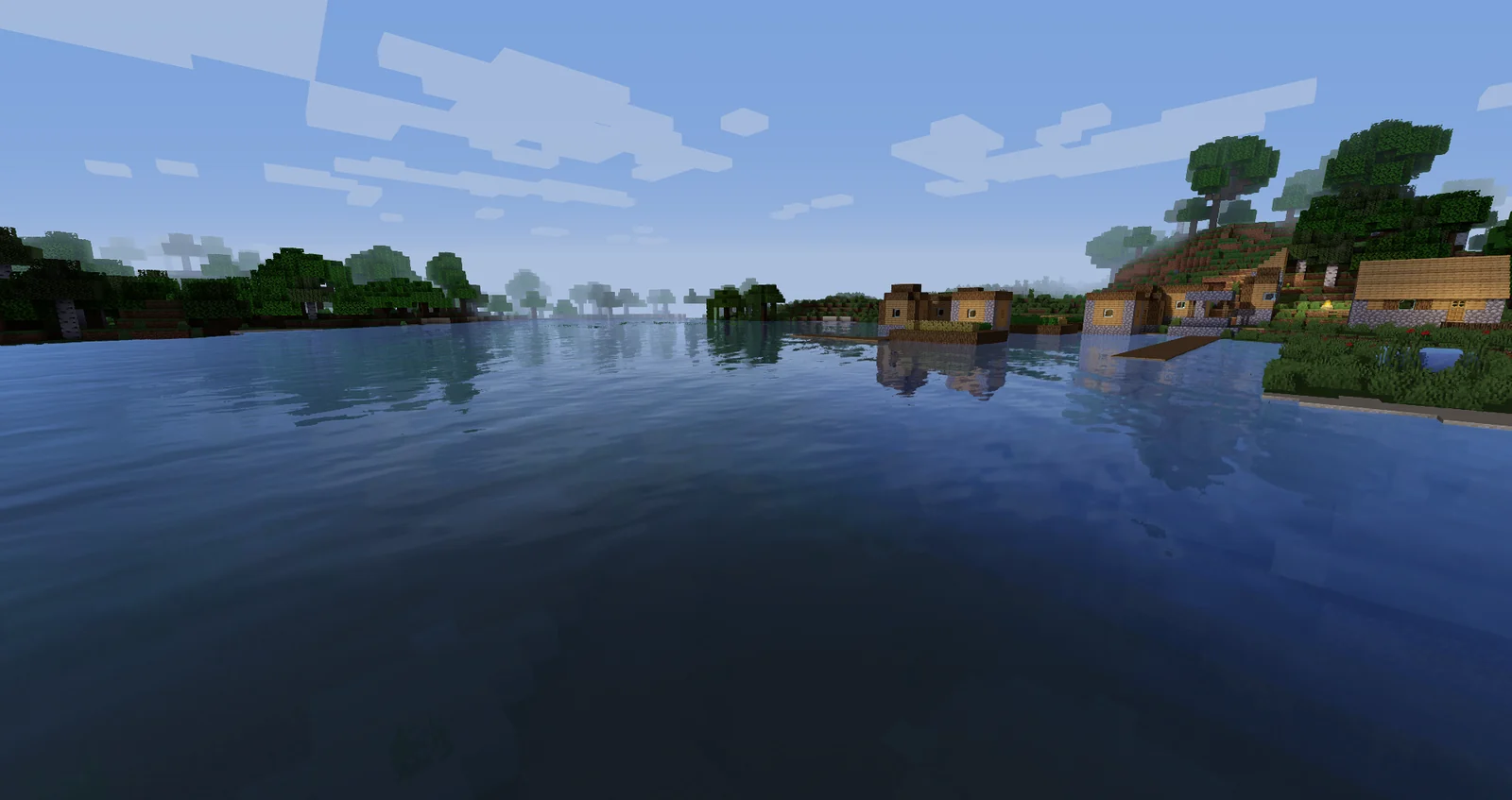
Install the downloaded ZIP in the right folder
Use Minecraft Java with a compatible Iris or OptiFine profile. Open Video Settings, enter Shader Packs or Shaders, and use its folder button. Put the ZIP directly in shaderpacks, not resourcepacks or mods.
When updating, keep the old file until the new version works in the same world, resolution, and loader. Save custom options before a major update.
Test a forest, water, glass, rain, and distant view rather than only the title screen. If it is too heavy, choose a lighter preset in the same family.
- Use Minecraft Java Edition, not Bedrock Edition.
- Match Iris or OptiFine to the exact Minecraft version.
- Place the compressed ZIP in the active shaderpacks folder.
- Select one pack at a time and let the world reload.
- Keep the previous ZIP until normal gameplay is verified.
- Record custom options before changing a major release.
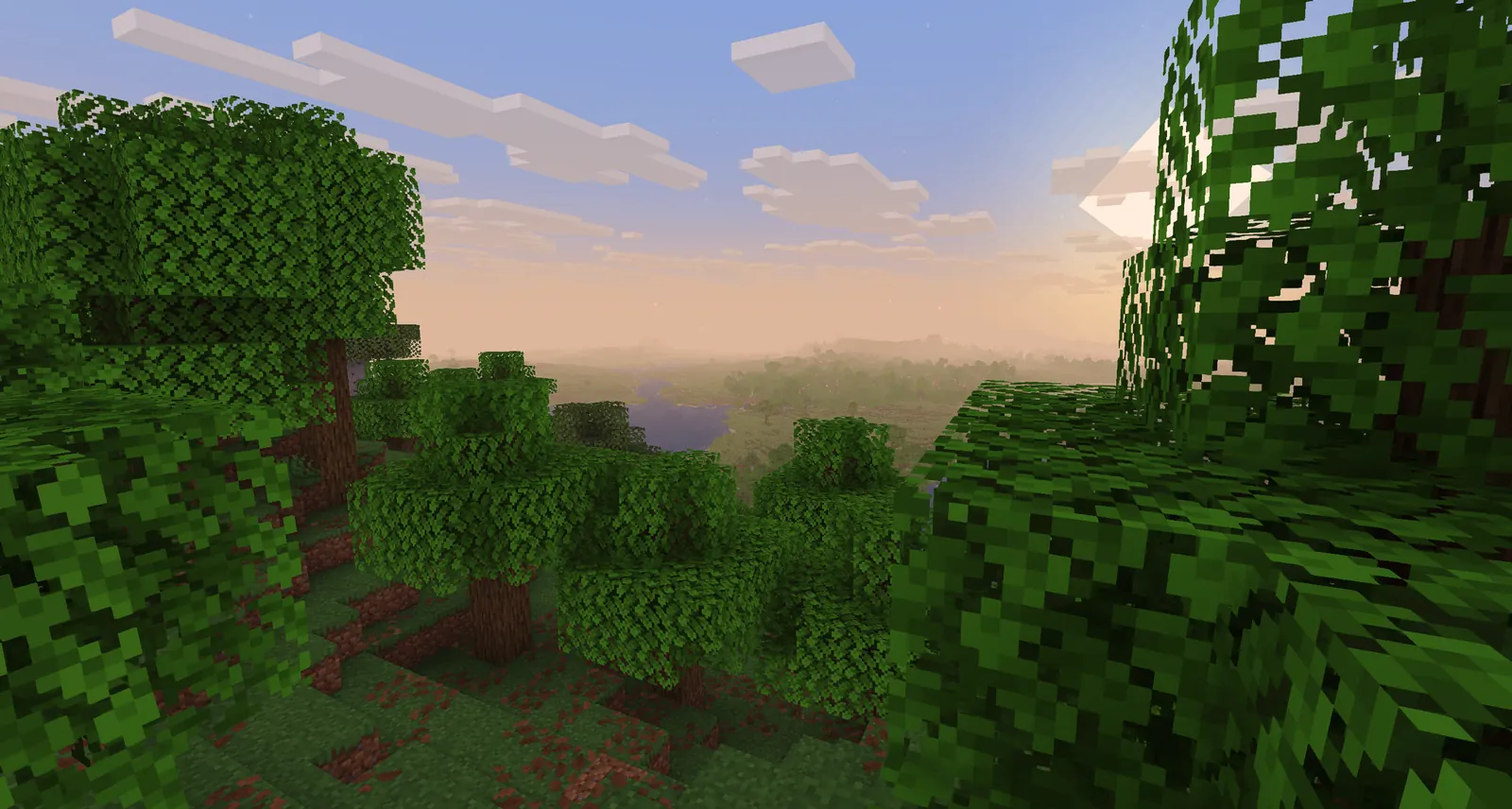
What this download page can and cannot guarantee
A verified file shows its source and identity. It cannot promise one FPS number or universal mod compatibility.
Performance depends on resolution, GPU, driver, distances, resource packs, world, weather, recording, and rendering mods. Test a repeatable scene; an empty menu is not a benchmark.
Iris and OptiFine can differ in fog, transparency, shadows, and entities. Distant Horizons and Voxy add workload, so isolate the loader and renderer before changing the download.
This page does not host ZIP archives; buttons use the verified Modrinth CDN URL.
All Rights Reserved remains in force. Do not republish, repackage, rename, or claim the shader code.
Bedrock uses a different system; these Java ZIPs are not Bedrock resource packs.
After a new release, check the version table, hashes, and links again.
Sildur's Shaders download questions
What is the latest Sildur's Shaders version?
There is no single family-wide number. Records checked September 18, 2026 list Vibrant 2.02, Enhanced Default 1.20, and Basic 2.7.
Which download is best for a low-end PC?
Start with Basic Fast, then test Enhanced Default Fast. Try Vibrant Lite only when the GPU has headroom; resolution and render distance also matter.
Should I download the ZIP from a mirror?
Prefer the author-published Modrinth project and CDN. Do not use a file whose version, filename, or publisher cannot be confirmed.
Do I extract a Sildur's Shaders download?
No. Keep the ZIP compressed and place it directly in Minecraft Java's shaderpacks folder.
Can I install Sildur's Shaders on Minecraft Bedrock?
No. These files target Java loaders such as Iris or OptiFine; a Java ZIP is not a Bedrock resource pack.
What if the SHA-512 does not match?
Delete the copy, download the same row again from Modrinth, and recalculate. If it still differs, do not install it.
Where the release records come from
Release values were checked against the public Modrinth project API on September 18, 2026. Use the linked project pages for history, license, and future files.
- Sildur's Vibrant Shaders on Modrinth — current version, files, loaders, hashes, and gallery
- Sildur's Enhanced Default Shaders on Modrinth — current version, Fast/Fancy files, loaders, and gallery
- Sildur's Basic Shaders on Modrinth — current version, four preset files, loaders, and gallery
Choose the file that matches the way you play
For the broadest visual range, start with Vibrant Medium or Lite. For a readable vanilla-style world, use Enhanced Default Fast. For the lightest baseline, use Basic Fast. Match family, version, filename, and SHA-512 before installing.
After verification, continue with the installation and compatibility guides.